Laravel Bastion is a Stripe-inspired API authentication package created by Steve McDougall with environment isolation, granular scopes, built-in security, and more.
Features
- Stripe-style API Tokens - Prefixed tokens with environment indicators (app_test_pk_, app_live_sk_)
- Environment Isolation - Separate test and live environments with automatic validation
- Granular Scopes - Fine-grained permission control with wildcard support
- Token Types - Public, Secret, and Restricted keys with different access levels
- Audit Logging - Comprehensive activity tracking for compliance and debugging
- Webhook Support - Built-in webhook endpoints with signature verification
- Security First - Expiration dates and secure token hashing
- Laravel Native - Built with Laravel conventions and best practices
After installing this package, you'll want to ensure you add the HasBastionTokens trait to your User model:
use JustSteveKing\Bastion\Concerns\HasBastionTokens; class User extends Authenticatable{ use HasBastionTokens; // ...}Then, to generate a token, you can:
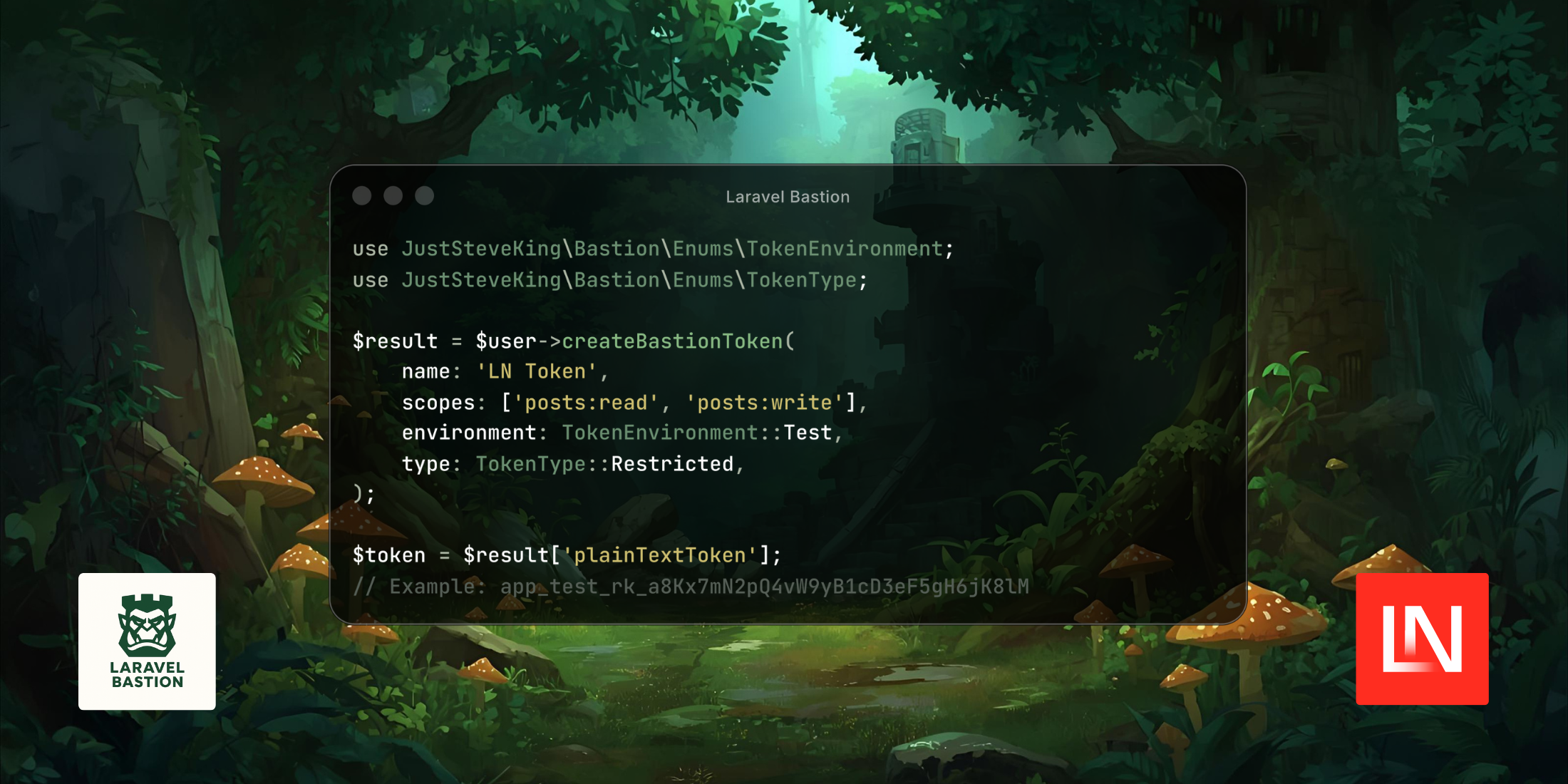
use JustSteveKing\Bastion\Enums\TokenEnvironment;use JustSteveKing\Bastion\Enums\TokenType; $result = $user->createBastionToken( name: 'LN API Key', scopes: ['posts:read', 'posts:write'], environment: TokenEnvironment::Test, type: TokenType::Restricted,); $token = $result['plainTextToken'];// Example: app_test_rk_a8Kx7mN2pQ4vW9yB1cD3eF5gH6jK8lM echo "Token: " . $token;To protect your routes, Bastion provides the AuthenticateToken middleware:
use JustSteveKing\Bastion\Http\Middleware\AuthenticateToken; Route::middleware(AuthenticateToken::class)->group(function () { Route::get('/api/posts', [PostController::class, 'index']);});And when sending requests to an authenticated endpoint, you should pass the token via the Authorization header using the Bearer schema:
use GuzzleHttp\Client; $client = new Client(['base_uri' => 'https://example.com/api']);$token = 'YOUR_BEARER_TOKEN'; $response = $client->request('GET', '/posts', [ 'headers' => [ 'Authorization' => 'Bearer ' . $token, 'Accept' => 'application/json', ],]);If you also need to rotate your tokens, then Bastion has you covered. Use the rotate() method:
$result = $token->rotate();And there is even an option to use the CLI:
php artisan bastion:rotate {token-id}Speaking of the CLI, Bastion allows you to manage your tokens using various Artisan commands:
# Generate tokensphp artisan bastion:generate {user-id} "LN App Token" \ --environment=test \ --type=restricted \ --scopes=posts:read --scopes=posts:write # Revoke tokensphp artisan bastion:revoke {token-id} --reason="Token no longer used" # Prune expired tokensphp artisan bastion:prune-tokens --expired # and more...Steve has put together a handy package with a good set of features. To learn more about Bastion, its features, and view the source code, hop on over to the GitHub repository.