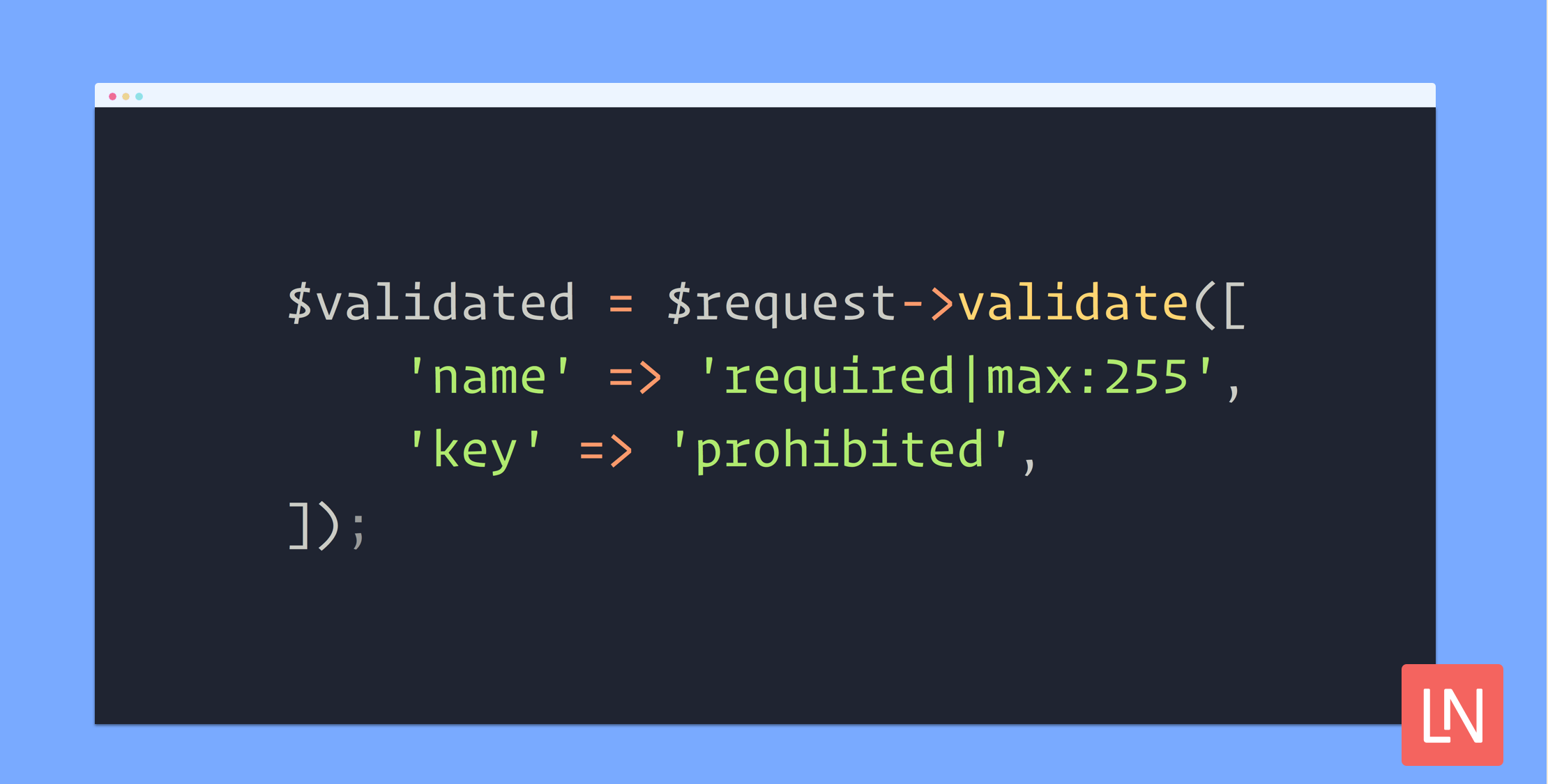
Laravel 8 now has three validation rules for prohibited fields, including prohibited_if, prohibited_unless, and prohibited. Let's walk through a few examples of where the prohibited* validation rules might be useful, and look at each one in more detail.
Prohibited If and Unless
Jess Archer contributed the prohibited if/unless validation rules released in Laravel Laravel 8.32. The basic idea of "prohibited" validation rules is that a given field should be prohibited from having data if another field is present or if a field should be allowed in a request at all.
Here's the example Jess provided in the pull request for this feature, which illustrates perfectly how to use this rule to explicitly prevent contradictory input:
Validator::validate([ 'is_deceased' => false, 'date_of_death' => '2021-03-09'], [ 'date_of_death' => 'prohibited_unless:is_deceased,true']);Another example might be someone accepting terms of service that has identified as a minor. Perhaps the application requires a parental registration to consent on their behalf:
Validator::validate([ 'is_minor' => true, 'tos_accepted' => true], [ 'tos_accepted' => 'prohibited_if:is_minor,true']);Prohibited Validation Rule
After Laravel 8.32, Philo Hermans contributed a prohibited rule in Laravel 8.34 which ensures that an input is not present when validating:
// PUT /api/licenses/123-456// {"name":"hello-world", "key":"random-key"} $validated = $request->validate([ 'name' => 'required|max:255', 'key' => 'prohibited',]); // Response: 422// The key field is prohibitedThe above is a good example where a user might expect to update an API key by sending a PUT request to a resource. In a typical application, that field is likely ignored during the request. However, a successful response might lead the user to believe they were able to update the key when in reality, the API ignored it. The prohibited rule will clarify that this field is not allowed and is considered immutable.
Learn More
The list of available validation rules is an excellent resource to see available rules and how to use them.
You can always go for custom validation objects to craft custom validation rules if you run into a situation where the built-in rules don't quite suit your needs.
Laravel has extensive Validation documentation that should bring you up-to-speed on everything related to validating input from users. Also, if you're new to Laravel, Laracasts has a Form Validation Essentials video (likely getting updating to Laravel 8 soon) that will help you immensely in visualizing how validation works.