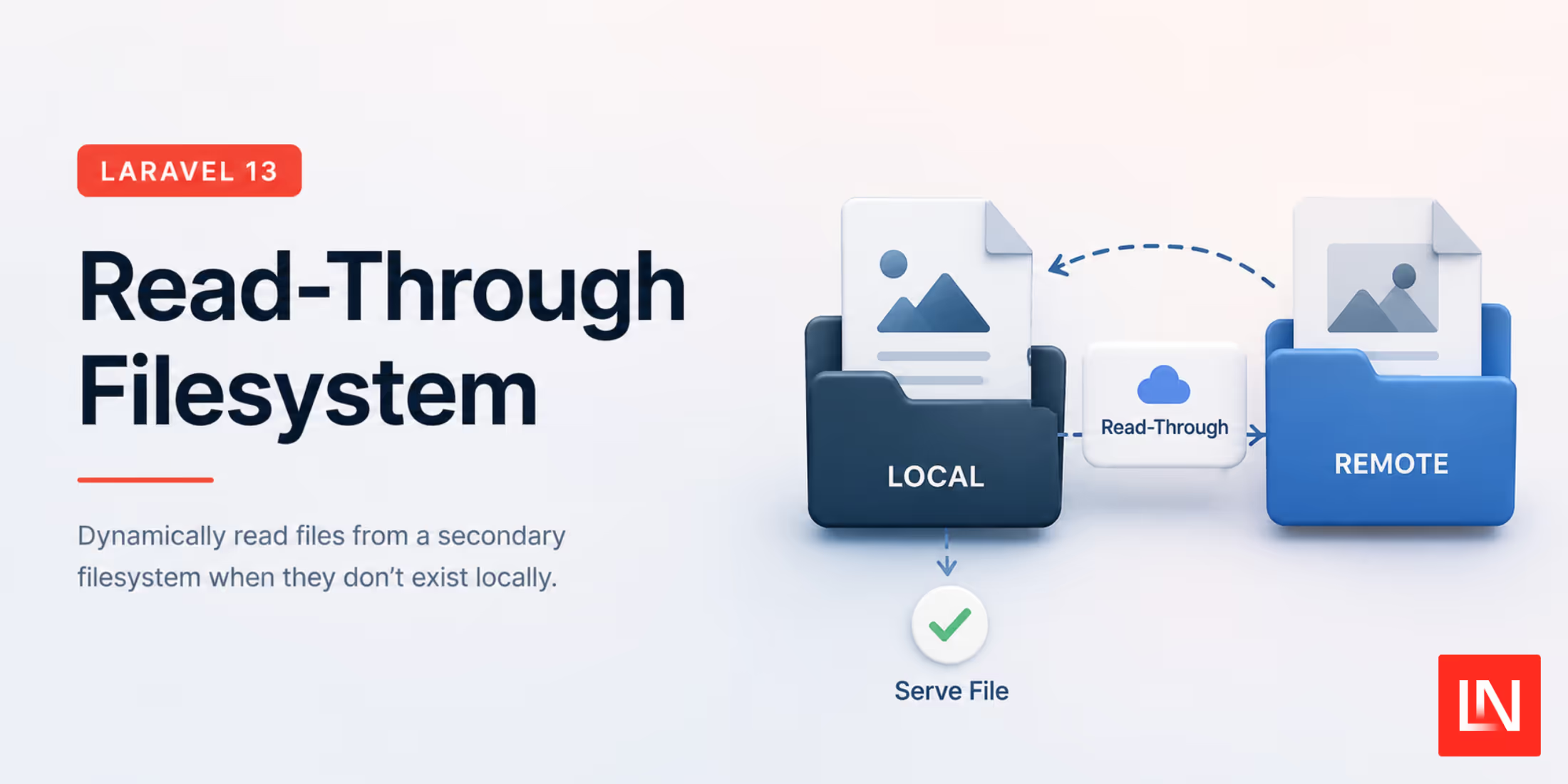
Moving a few million files from one bucket to another is the part of a storage migration nobody budgets for. A bulk aws s3 sync between providers takes days, costs real money in egress, and copies every stale avatar and orphaned export along with the files people actually open. The alternative, application code that checks two disks by hand, spreads Storage::disk('old') fallbacks through every read path and never quite gets removed.
Laravel 13.26 ships a read-through filesystem driver that does the two-disk dance inside the disk itself. You point it at a primary and a fallback, and reads check the primary first, fall back to the old disk when the file is not there yet, and copy the file to the primary on the way through. The hot files migrate themselves the first time someone asks for them, and the cold ones stay where they are until you decide what to do with them. The driver landed in #61140 from @taylorotwell.
Configuring the Disk
A read-through disk is composed from two other disks in config/filesystems.php. Reference them by name:
'disks' => [ 'r2' => [ 'driver' => 's3', // Cloudflare R2 credentials... ], 'legacy-s3' => [ 'driver' => 's3', // the bucket you are leaving... ], 'assets' => [ 'driver' => 'read-through', 'primary' => 'r2', 'fallback' => 'legacy-s3', ], ],Application code uses Storage::disk('assets') like any other disk, which is the point: controllers and jobs do not know two buckets exist. Both primary and fallback also accept an inline config array instead of a disk name when you do not want to register the underlying disks separately. The manager validates the pair at resolution time, so a missing side, the same disk on both sides, or a disk that references itself throws an InvalidArgumentException instead of failing on first use.
What Goes Where
The routing rules are worth internalizing before you put this in front of production traffic:
- Reads (
get(),readStream()) check the primary, then the fallback. A fallback hit copies the file to the primary, then returns the contents. Streamed reads buffer through aphp://tempstream rather than loading the file into memory - Writes, deletes, moves, and copies target the primary only
- Directory listings come from the primary only, so
files()shows just what has been promoted or written since the switch - Existence checks and metadata (
exists(),size(),mimeType(),lastModified(),url(),temporaryUrl()) consult whichever disk holds the file, without triggering a copy
Two of those rules are the sharp edges. Listings only reflect the primary, so anything that iterates a directory to find files will not see unpromoted content on the fallback. And deletes only touch the primary, so removing a file that still exists on the fallback resurrects it on the next read. During a migration that is usually fine, the fallback is going away anyway, but a delete() followed by an exists() returning true is surprising the first time you hit it.
Promotion is deliberately best-effort. If copying to the primary fails, the read still succeeds from the fallback and the exception is swallowed, on the theory that a full primary disk should not take your downloads offline. Flip that with 'throw_on_promotion_failure' => true when you would rather know immediately.
Reading Without Copying
Sometimes you want the layering without the migration. #61155 from @jimbojsb added a copy option for exactly that:
'assets' => [ 'driver' => 'read-through', 'primary' => 'local-assets', 'fallback' => 'production-s3', 'copy' => false,],With copy => false, fallback hits are served directly and nothing is promoted. The use case called out in the PR is a development environment seeded with a production database snapshot: the rows reference files that only exist in the production bucket, and this setup lets those files render locally without slowly mirroring the bucket onto your laptop. It also fits a cautious first phase of a real migration, where you cut reads over to the new layout and watch error rates before letting promotion start writing to the new bucket.
A Migration Playbook
Putting it together, moving from an old S3 bucket to R2 looks like this:
- Create the new bucket and add its disk config alongside the old one
- Repoint the disk name your app already uses (
assetsabove) at a read-through pair: new bucket primary, old bucket fallback. New uploads now land in R2, and every requested file promotes itself on first read - After the access patterns you care about have cycled, most-read content lives in the primary. Backfill the long tail with a one-off sync or a batched background operation, which now only has to move what nobody asked for
- Swap the read-through disk config for a plain disk pointing at the new bucket, and decommission the old one
Between steps 2 and 4 there is no deploy that flips all traffic at once, and rolling back is a config change, because the old bucket never stopped being complete.
Further Reading
- Laravel 13.26 release notes, where the driver shipped alongside debounced listeners and
Queue::forward() - Using AWS S3 for Laravel Storage, for the S3 disk setup the examples above build on