Livewire Session Properties for Persistent Component State

Last updated on by

Livewire Session Properties for Persistent Component State image

Maintaining component data across page refreshes becomes straightforward with Livewire's session properties. This feature stores component state in the user's session automatically, eliminating the need for manual session handling.

Session properties in Livewire store component data in the user's session using a simple attribute annotation. The #[Session] attribute handles session storage and retrieval automatically.

use Livewire\Component;
use Livewire\Attributes\Session;
 
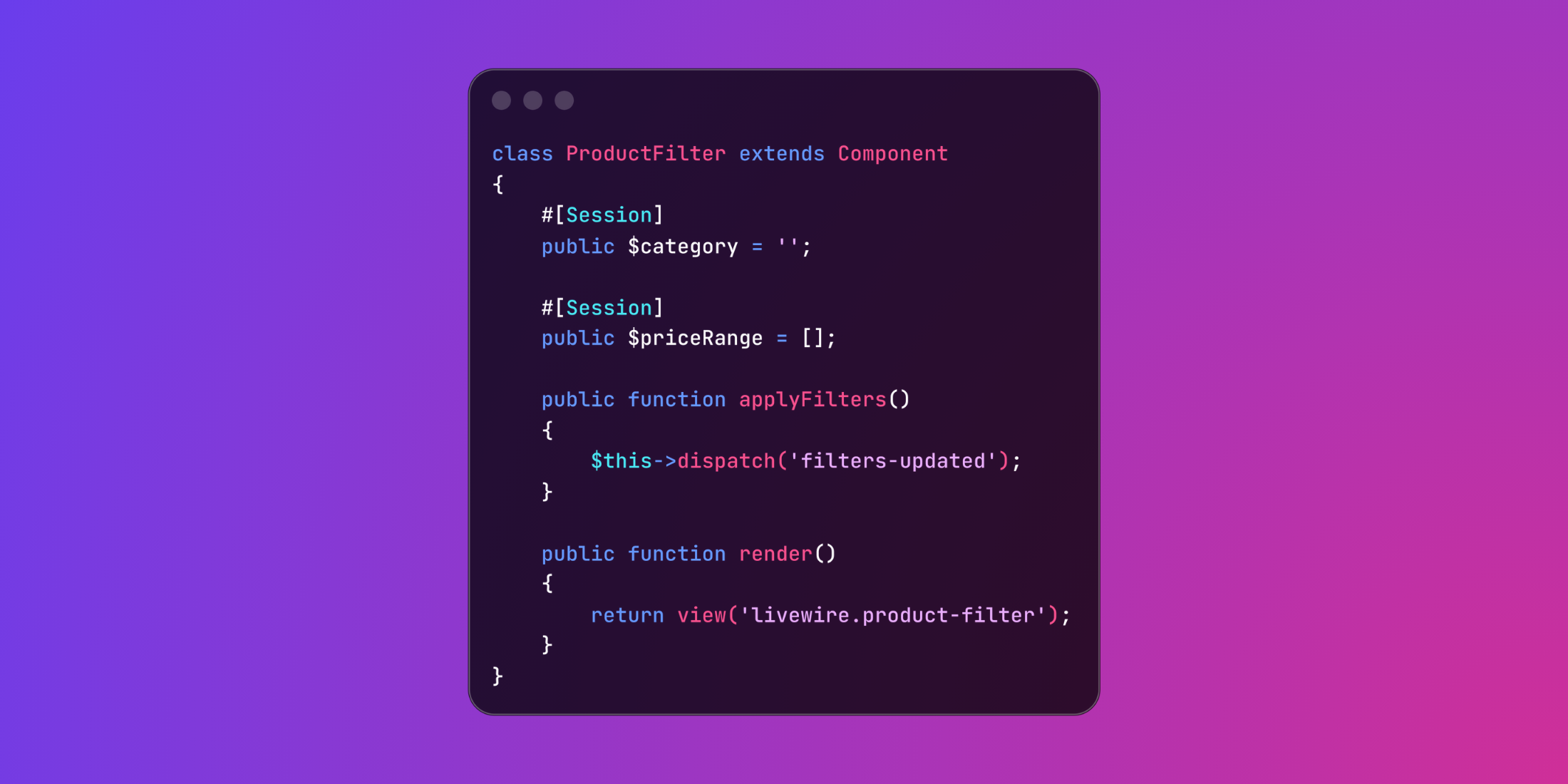
class ProductFilter extends Component
{
#[Session]
public $category = '';
 
#[Session]
public $priceRange = [];
 
public function applyFilters()
{
$this->dispatch('filters-updated');
}
 
public function render()
{
return view('livewire.product-filter');
}
}

The #[Session] attribute manages all session operations internally. When a user applies filters and refreshes the page, their selections persist without additional implementation.

An e-commerce checkout process demonstrates how session properties maintain cart state throughout the shopping workflow:

use Livewire\Component;
use Livewire\Attributes\Session;
 
class ShoppingCart extends Component
{
#[Session]
public $items = [];
 
#[Session]
public $shippingMethod = 'standard';
 
#[Session]
public $couponCode = '';
 
public function addItem($productId, $quantity = 1)
{
$this->items[$productId] = [
'quantity' => $quantity,
'price' => Product::find($productId)->price,
];
}
 
public function updateShipping($method)
{
$this->shippingMethod = $method;
$this->calculateTotals();
}
 
public function applyCoupon()
{
if ($this->validateCoupon($this->couponCode)) {
$this->dispatch('coupon-applied');
}
}
 
protected function calculateTotals()
{
return collect($this->items)->sum(fn($item) => $item['price'] * $item['quantity']);
}
 
public function render()
{
return view('livewire.shopping-cart', [
'total' => $this->calculateTotals(),
]);
}
}

Session properties support custom keys for more control over storage organization:

use Livewire\Component;
use Livewire\Attributes\Session;
 
class UserPreferences extends Component
{
#[Session(key: 'user-theme')]
public $theme = 'light';
 
#[Session(key: 'dashboard-layout')]
public $layout = 'grid';
 
public function switchTheme()
{
$this->theme = $this->theme === 'light' ? 'dark' : 'light';
}
 
public function render()
{
return view('livewire.user-preferences');
}
}

Dynamic session keys enable context-aware storage based on component properties:

use Livewire\Component;
use Livewire\Attributes\Session;
use App\Models\Project;
 
class ProjectSettings extends Component
{
public Project $project;
 
#[Session(key: 'project-settings-{project.id}')]
public $configuration = [];
 
public function mount(Project $project)
{
$this->project = $project;
}
 
public function updateConfiguration($key, $value)
{
$this->configuration[$key] = $value;
}
 
public function render()
{
return view('livewire.project-settings');
}
}

This approach creates unique session keys for each project, preventing configuration conflicts when users work with multiple projects.

Session properties maintain component state through page refreshes and browser navigation. The automatic persistence removes friction from multi‑step processes while providing developers with a maintainable solution for state management.

Harris Raftopoulos photo

Senior Software Engineer • Staff & Educator @ Laravel News • Co-organizer @ Laravel Greece Meetup

Cube

Laravel Newsletter

Join 40k+ other developers and never miss out on new tips, tutorials, and more.

image
Laravel Cloud

Easily create and manage your servers and deploy your Laravel applications in seconds.

Visit Laravel Cloud
SaaSykit: Laravel SaaS Starter Kit logo

SaaSykit: Laravel SaaS Starter Kit

SaaSykit is a Multi-tenant Laravel SaaS Starter Kit that comes with all features required to run a modern SaaS. Payments, Beautiful Checkout, Admin Panel, User dashboard, Auth, Ready Components, Stats, Blog, Docs and more.

SaaSykit: Laravel SaaS Starter Kit
Lucky Media logo

Lucky Media

Get Lucky Now - the ideal choice for Laravel Development, with over a decade of experience!

Lucky Media
Acquaint Softtech logo

Acquaint Softtech

Acquaint Softtech offers AI-ready Laravel developers who onboard in 48 hours at $3000/Month with no lengthy sales process and a 100 percent money-back guarantee.

Acquaint Softtech
Shift logo

Shift

Running an old Laravel version? Instant, automated Laravel upgrades and code modernization to keep your applications fresh.

Shift
No Compromises logo

No Compromises

Joel and Aaron, the two seasoned devs from the No Compromises podcast, are now available to hire for your Laravel project. ⬧ Flat rate of $9500/mo. ⬧ No lengthy sales process. ⬧ No contracts. ⬧ 100% money back guarantee.

No Compromises
Kirschbaum logo

Kirschbaum

Providing innovation and stability to ensure your web application succeeds.

Kirschbaum
Harpoon: Next generation time tracking and invoicing logo

Harpoon: Next generation time tracking and invoicing

The next generation time-tracking and billing software that helps your agency plan and forecast a profitable future.

Harpoon: Next generation time tracking and invoicing
Laravel Cloud logo

Laravel Cloud

Easily create and manage your servers and deploy your Laravel applications in seconds.

Laravel Cloud
PhpStorm logo

PhpStorm

The go-to PHP IDE with extensive out-of-the-box support for Laravel and its ecosystem.

PhpStorm
Tinkerwell logo

Tinkerwell

The must-have code runner for Laravel developers. Tinker with AI, autocompletion and instant feedback on local and production environments.

Tinkerwell

The latest

View all →
Build a Laravel Scout Search Endpoint With the HTTP QUERY Method image

Build a Laravel Scout Search Endpoint With the HTTP QUERY Method

Read article
Enforce Per-Action Waiting Periods in Laravel with Cooldown image

Enforce Per-Action Waiting Periods in Laravel with Cooldown

Read article
First-Party Image Processing in Laravel 13.20 image

First-Party Image Processing in Laravel 13.20

Read article
Laravel Legacy Bridge: Carry Authenticated Sessions from a Legacy App into Laravel image

Laravel Legacy Bridge: Carry Authenticated Sessions from a Legacy App into Laravel

Read article
Laravel Quota: Usage Budgets for Calendar Periods image

Laravel Quota: Usage Budgets for Calendar Periods

Read article
Find the Security Vulnerabilities in Your Laravel App with Sensagraph image

Find the Security Vulnerabilities in Your Laravel App with Sensagraph

Read article








