Ai Chat
Ai Chat stats
- Downloads
- 23
- Stars
- 143
- Open Issues
- 1
- Forks
- 9
A modern AI chat starter kit built with Laravel, featuring real-time streaming responses using Prism, Inertia.js, Vue.js, and TailwindCSS.
AI Chat - Laravel Starter Kit
A modern AI chat starter kit built with Laravel, featuring real-time streaming responses using Prism, Inertia.js, Vue.js, and TailwindCSS.
Introduction
Prism Chat provides a solid foundation for building AI-powered chat applications with Laravel. It leverages Laravel's powerful ecosystem combined with the Prism PHP SDK to deliver real-time streaming responses, creating a dynamic and engaging user experience.
Features
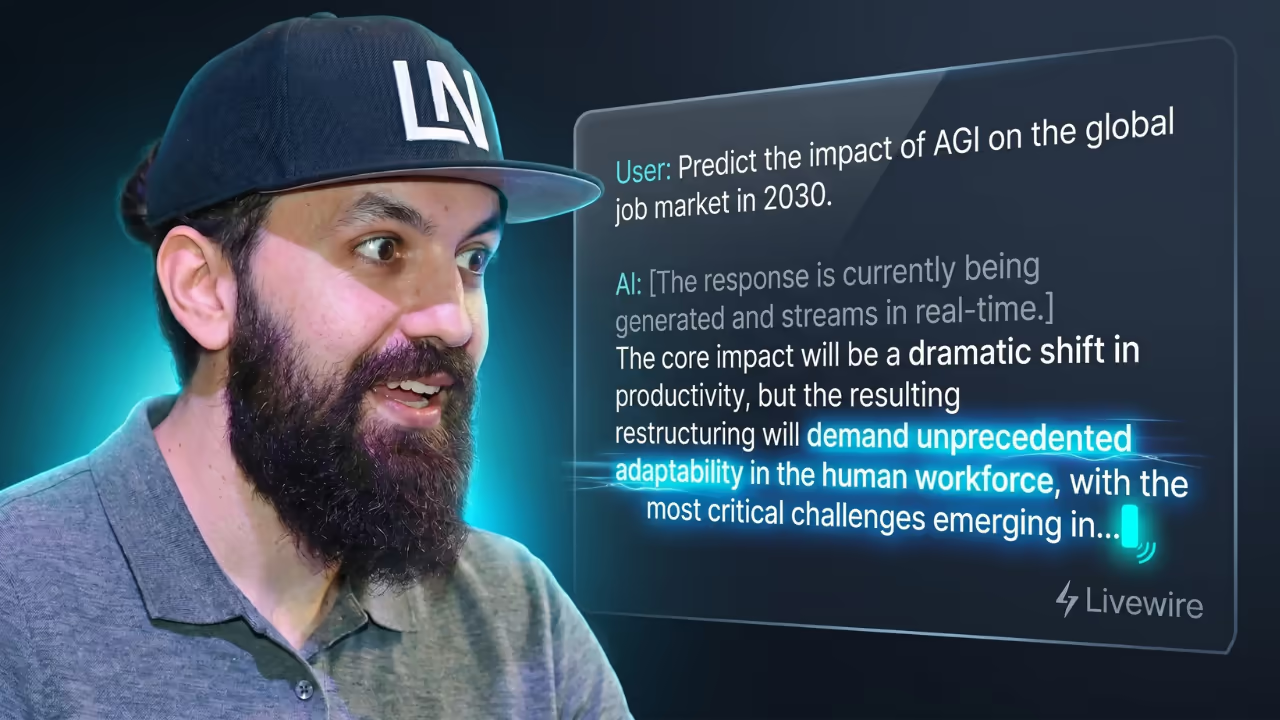
- Real-time AI Responses: Stream AI responses as they're generated
- Reasoning Support: Built-in support for AI models with reasoning capabilities
- Multiple AI Providers: Support for OpenAI, Anthropic, Google Gemini, Ollama, Groq, Mistral, DeepSeek, xAI, and VoyageAI
- Authentication System: Built-in user authentication and management
- Appearance Settings: Light/dark mode support with system preference detection
- Custom Theming: Shadcn integration allows easy theme customization via CSS variables
- Chat Sharing: Share conversations with other users
Tech Stack
- Backend: Laravel 12.x, Prism PHP SDK
- Frontend: Vue.js 3, Inertia.js 2.x
- Styling: TailwindCSS 4.x, Shadcn components
- Database: SQLite (configurable to MySQL/PostgreSQL)
- Authentication: Laravel Sanctum
- Real-time: Server-Sent Events (SSE)
Prerequisites
- PHP 8.3+ with extensions:
- curl, dom, fileinfo, filter, hash, mbstring, openssl, pcre, pdo, session, tokenizer, xml
- Composer 2.x
- Node.js 18+ and npm/bun
- SQLite (or MySQL/PostgreSQL if preferred)
Installation
Installation can be done using the Laravel installer:
laravel new --using=pushpak1300/ai-chat my-ai-chatcd my-ai-chatOr using Composer:
composer create-project pushpak1300/ai-chat my-ai-chatcd my-ai-chatAfter installation:
# Install frontend dependenciesnpm install # Generate application key (if not done automatically)php artisan key:generate # Create database file (for SQLite)touch database/database.sqlite # Run migrationsphp artisan migrate # Start the development servercomposer run devThe composer run dev command runs multiple processes concurrently. If you encounter issues, run them separately.
Configuration
Environment Setup
Copy the example environment file and configure your settings:
cp .env.example .envTheme Customization
The application uses Shadcn components with TailwindCSS for styling. To customize the theme:
- Visit tweakcn.com to generate custom CSS variables
- Update the CSS variables in
resources/css/app.css - The changes will automatically apply to all Shadcn components
AI Provider Configuration
Note: You don't need to configure all providers. The application will work with any combination of the providers you set up.
Configuring AI Models
AI models are defined in the app/Enums/ModelName.php file. This enum defines which models are available in your application and their metadata.
Understanding the ModelName Enum
The ModelName enum serves as the central configuration point for all AI models in your application. Here's how it works:
<?php namespace App\Enums; use Prism\Prism\Enums\Provider; enum ModelName: string{ // OpenAI Models case GPT_4O = 'gpt-4o'; case GPT_4O_MINI = 'gpt-4o-mini'; case O1_MINI = 'o1-mini'; case O1_PREVIEW = 'o1-preview'; // Anthropic Models case CLAUDE_3_5_SONNET = 'claude-3-5-sonnet-20241022'; case CLAUDE_3_5_HAIKU = 'claude-3-5-haiku-20241022'; case CLAUDE_3_OPUS = 'claude-3-opus-20240229'; // Google Gemini Models case GEMINI_1_5_PRO = 'gemini-1.5-pro'; case GEMINI_1_5_FLASH = 'gemini-1.5-flash'; // Add more models as needed...}Adding New Models
To add support for new AI models, follow these steps:
- Add the Model Case: Add a new case to the enum with the exact model identifier used by the provider:
case NEW_MODEL = 'provider-model-name';- Implement Required Methods: Each model must implement several methods:
public function getName(): string{ return match ($this) { self::NEW_MODEL => 'Human-Readable Name', // ... other cases };} public function getDescription(): string{ return match ($this) { self::NEW_MODEL => 'Brief description of model capabilities', // ... other cases };} public function getProvider(): Provider{ return match ($this) { self::NEW_MODEL => Provider::YourProvider, // ... other cases };}Deployment
Easy Deployment Options
For hassle-free deployment, consider these Laravel-optimized hosting platforms:
Laravel Cloud
Deploy directly with Laravel Cloud for seamless integration.
Sevalla
Sevalla.com offers Laravel-focused hosting with a free trial.
Roadmap
We're continuously working to enhance the AI Chat experience. Here's what's coming:
- Multimodal Support: Image, audio, and video processing capabilities
- Tool Call Support: Function calling and tool integration for enhanced AI interactions
- Image Generation: Built-in support for AI image generation models
- Resumable Streams: Ability to pause and resume streaming conversations
Security
Reporting Security Issues
If you discover security vulnerabilities, please email pushpak1300@gmail.com instead of using the issue tracker.
Troubleshooting
Common Issues
"Provider not configured" errors:
- Ensure the required API key is set in your
.envfile - Verify the API key is valid and has sufficient credits/quota
- Check that the provider service is operational
Streaming not working:
- Verify your server supports Server-Sent Events (SSE)
- Check firewall settings for long-running connections
- Ensure proper CORS configuration for cross-origin requests
Model not appearing in UI:
- Confirm the model is added to
ModelNameenum - Verify the provider is properly configured
- Check browser console for JavaScript errors
Getting Help
- Documentation: Prism PHP Documentation
- Issues: GitHub Issues
Contributing
Contributions are welcome!
Development Setup
# Clone the repositorygit clone https://github.com/pushpak1300/ai-chat.gitcd ai-chat # Install dependenciescomposer installnpm install # Set up environmentcp .env.example .envphp artisan key:generate # Run development servercomposer devLicense
This project is open-sourced software licensed under the MIT license.
Built with ❤️ using Laravel, Prism, and Inertia.js