Package
Sakanjo Laravel Easy Metrics
Generate metrics with ease and precision.



🔥 Easy metrics
Easily create metrics for your application.
✨ Help support the maintenance of this package by sponsoring me.
Designed to work with Laravel, Filament, and more.
🚀 Supported metrics
- Bar metric
- Doughnut metric
- Line metric
- Pie metric
- Polar metric
- Trend metric
- Value metric
Table of contents
📦 Install
composer require sakanjo/laravel-easy-metrics🦄 Usage
Value metric
use SaKanjo\EasyMetrics\Metrics\Value;use App\Models\User; $data = Value::make(User::class) ->count();Query types
The currently supported aggregate functions to calculate a given column compared to the previous time interval / range
Min
Value::make(User::class) ->min('age');Max
Value::make(User::class) ->max('age');Sum
Value::make(User::class) ->sum('age');Average
Value::make(User::class) ->average('age');Count
Value::make(User::class) ->count();Doughnut metric
use SaKanjo\EasyMetrics\Metrics\Doughnut;use App\Models\User;use App\Enums\Gender; [$labels, $data] = Doughnut::make(User::class) ->options(Gender::class) ->count('gender');It's always better to use the
optionsmethod even though it's optional, since the retrieved data may not include all enum options.
Query types
The currently supported aggregate functions to calculate a given column compared to the previous time interval / range
Min
Doughnut::make(User::class) ->min('age', 'gender');Max
Doughnut::make(User::class) ->max('age', 'gender');Sum
Doughnut::make(User::class) ->sum('age', 'gender');Average
Doughnut::make(User::class) ->average('age', 'gender');Count
Doughnut::make(User::class) ->count('gender');Trend metric
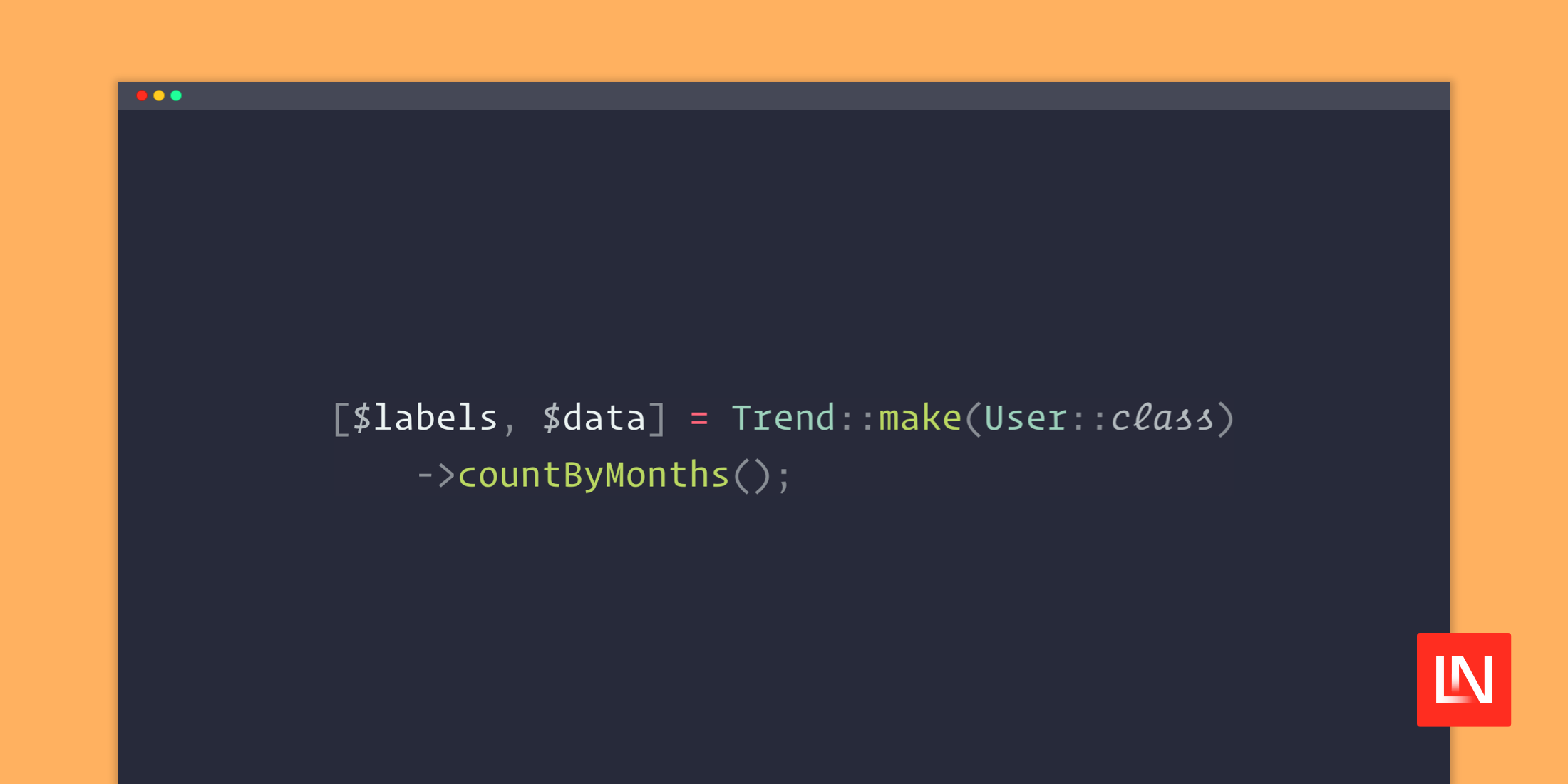
use SaKanjo\EasyMetrics\Metrics\Trend;use App\Models\User; [$labels, $data] = Trend::make(User::class) ->countByMonths();Query types
The currently supported aggregate functions to calculate a given column compared to the previous time interval / range
Min
$trend->minByYears('age');$trend->minByMonths('age');$trend->minByWeeks('age');$trend->minByDays('age');$trend->minByHours('age');$trend->minByMinutes('age');Max
$trend->maxByYears('age');$trend->maxByMonths('age');$trend->maxByWeeks('age');$trend->maxByDays('age');$trend->maxByHours('age');$trend->maxByMinutes('age');Sum
$trend->sumByYears('age');$trend->sumByMonths('age');$trend->sumByWeeks('age');$trend->sumByDays('age');$trend->sumByHours('age');$trend->sumByMinutes('age');Average
$trend->averageByYears('age');$trend->averageByMonths('age');$trend->averageByWeeks('age');$trend->averageByDays('age');$trend->averageByHours('age');$trend->averageByMinutes('age');Count
$trend->countByYears();$trend->countByMonths();$trend->countByWeeks();$trend->countByDays();$trend->countByHours();$trend->countByMinutes();Other metrics
Bar extends TrendLine extends TrendDoughnut extends PiePolar extends Pie
Ranges
Every metric class contains a ranges method, that will determine the range of the results based on it's date column.
use SaKanjo\EasyMetrics\Metrics\Trend;use SaKanjo\EasyMetrics\Metrics\Enums\Range;use App\Models\User; Value::make(User::class) ->range(30) ->ranges([ 15, 30, 365, Range::TODAY, // Or 'TODAY' ]);Available custom ranges
Range::TODAYRange::YESTERDAYRange::MTDRange::QTDRange::YTDRange::ALL
🔥 Practical examples
Filamentphp v3 widgets
<?php namespace App\Filament\Widgets\Admin; use App\Models\User;use Filament\Widgets\ChartWidget;use SaKanjo\EasyMetrics\Metrics\Trend; class UsersCountChart extends ChartWidget{ protected static ?string $heading = 'Users count trend'; protected function getData(): array { [$labels, $data] = Trend::make(User::class) ->range($this->filter) ->rangesFromOptions($this->getFilters()) ->countByMonths(); return [ 'datasets' => [ [ 'label' => 'Users', 'data' => $data, ], ], 'labels' => $labels, ]; } protected function getType(): string { return 'line'; } protected function getFilters(): ?array { return [ 15 => '15 Days', 30 => '30 Days', 60 => '60 Days', 365 => '365 Days', ]; }}💖 Support the development
Do you like this project? Support it by donating
Click the "💖 Sponsor" at the top of this repo.
©️ Credits
📄 License
MIT License © 2023-PRESENT Salah Kanjo