Package
Spatie Simple Excel
Read and write simple Excel and CSV files
Overview
What Spatie Simple Excel does
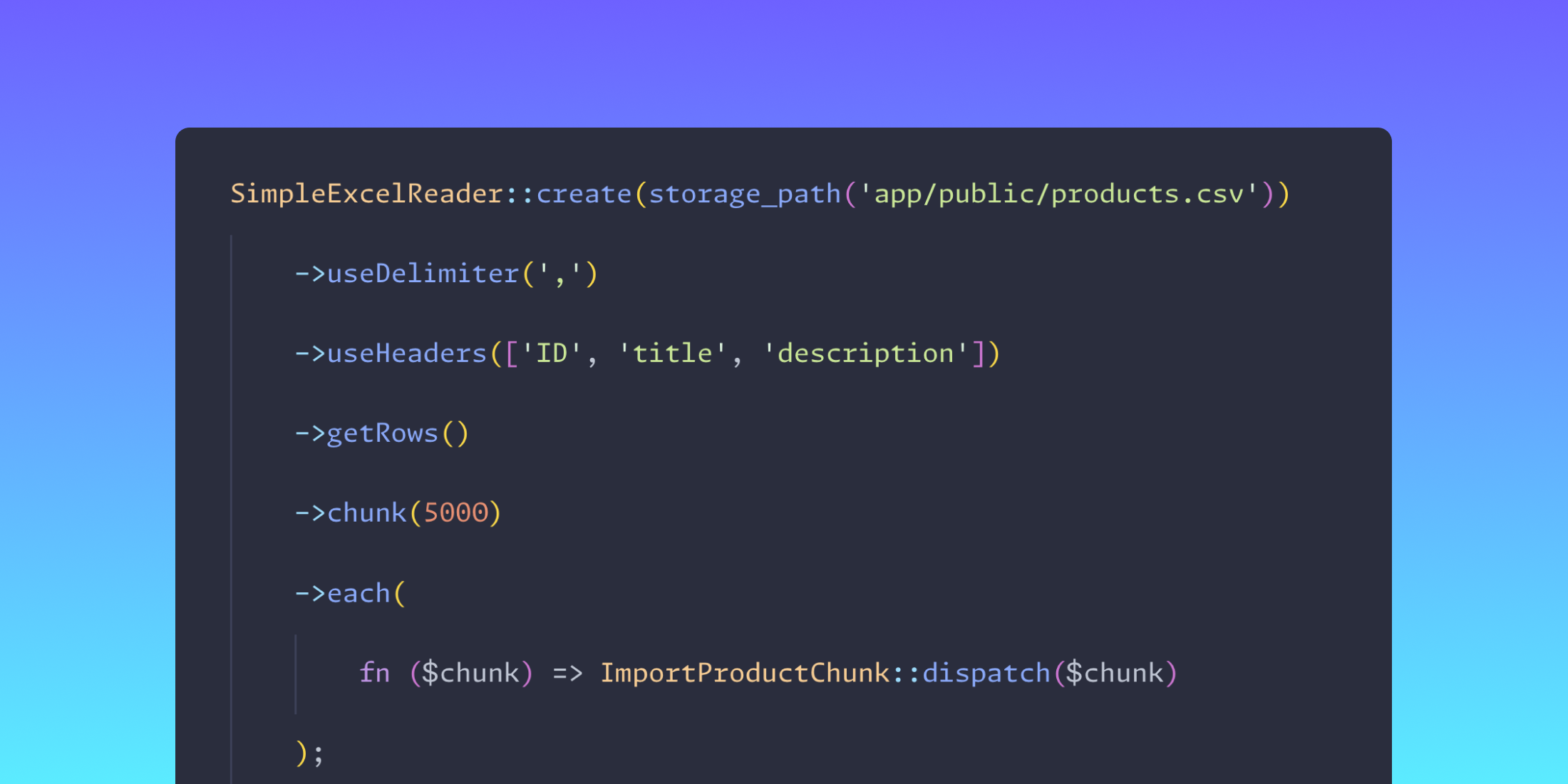
Spatie's Simple Excel package simplifies the process of reading and writing Excel and CSV files in PHP applications, while ensuring efficient memory usage for large datasets.
The package is particularly useful for developers who need to handle large spreadsheet files without consuming excessive memory. It uses generators under the hood to achieve this efficiency, making it an ideal choice for projects where performance is crucial.
Simple Excel seamlessly integrates with Laravel's LazyCollection, allowing developers to process data rows with familiar collection operations. The package's method chaining capabilities, such as filtering and mapping, make it easy to manipulate datasets as they're being read.
Excel files with multiple sheets can pose a challenge, but Simple Excel offers solutions by allowing developers to specify sheets by name or index. It also supports retrieving the list of available sheets or checking for a specific sheet's existence.
Customization extends to the handling of headers and data values. Developers can set custom headers, trim extraneous data, and format entries on-the-fly. This level of control ensures that data aligns precisely with application requirements, ultimately making Simple Excel a versatile tool in the Laravel and broader PHP ecosystem.
This overview was generated by AI from the package README and may not reflect the latest release.
Read the full README →