Laravel introduces the pathSegments() method for the Uri class, providing a more elegant approach to accessing and manipulating URI path components. This addition streamlines path segment operations with a clean, collection-based interface.
Working with URL paths in web applications often requires extracting specific segments. Previously, developers needed to manually split the path string and create a collection. Laravel's Uri class now simplifies this process with a dedicated method that returns path components as a ready-to-use collection:
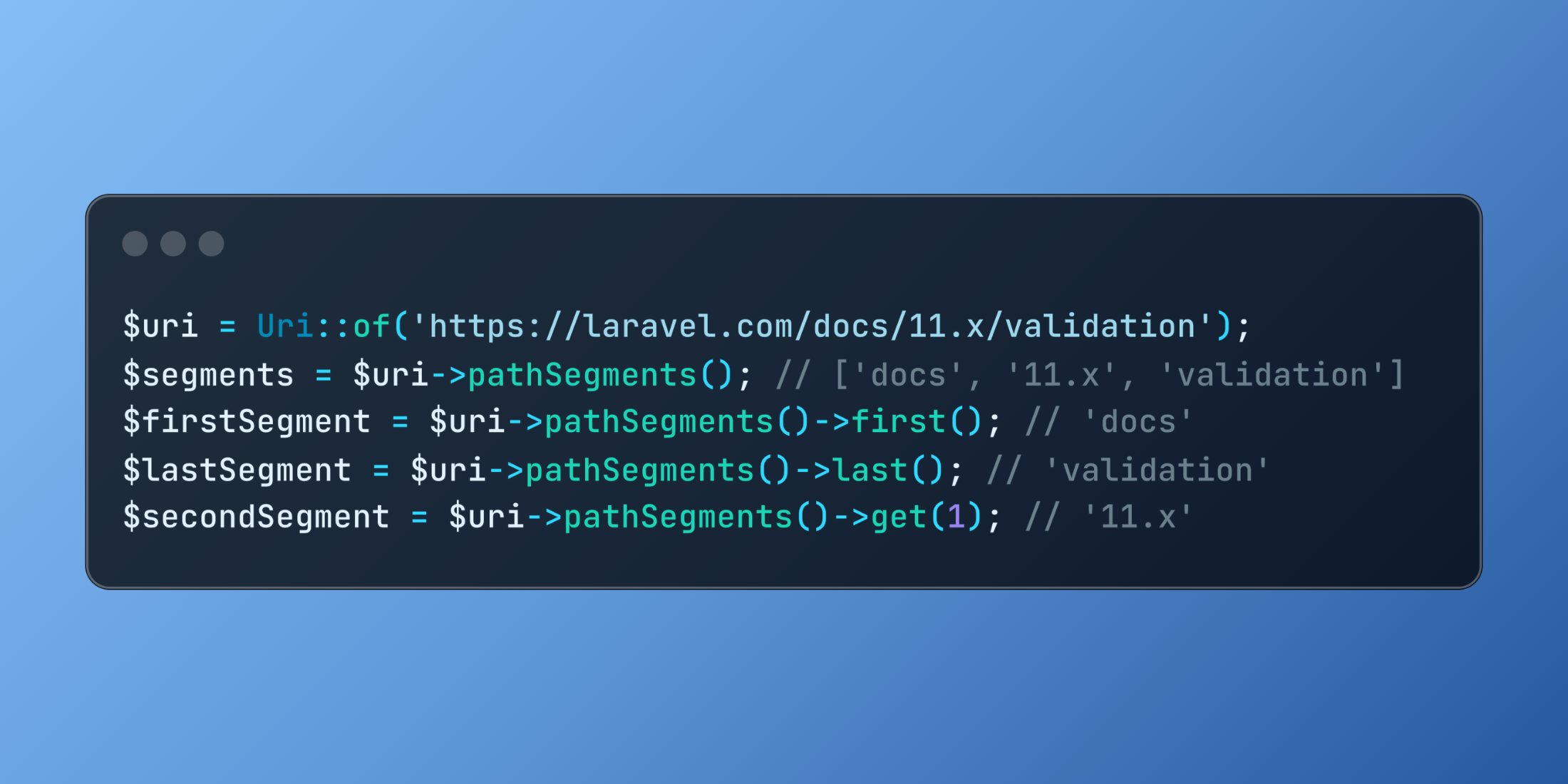
use Illuminate\Support\Facades\Uri; $uri = Uri::of('https://laravel.com/docs/11.x/validation'); // Get all path segments as a collection$segments = $uri->pathSegments(); // ['docs', '11.x', 'validation'] // Access specific segments using collection methods$firstSegment = $uri->pathSegments()->first(); // 'docs'$lastSegment = $uri->pathSegments()->last(); // 'validation'$secondSegment = $uri->pathSegments()->get(1); // '11.x'The readability and convenience improvements are substantial:
// Before: manual string splitting and collection creation$path = Uri::of('https://laravel.com/docs/11.x/validation')->path();$segments = collect(explode('/', ltrim($path, '/')));$firstSegment = $segments->first(); // After: clean, fluent approach$firstSegment = Uri::of('https://laravel.com/docs/11.x/validation') ->pathSegments() ->first();This method particularly shines when implementing navigation systems or content routing:
class ProductController extends Controller{ public function catalog(Request $request) { $uri = Uri::of($request->url()); $segments = $uri->pathSegments(); // Extract category and subcategory from URL $department = $segments->get(0); // 'shop' $category = $segments->get(1); // 'electronics' $subcategory = $segments->get(2); // 'smartphones' // Build navigation tree based on path segments $navigation = $segments->map(function ($segment, $index) use ($segments) { $url = '/'.implode('/', $segments->take($index + 1)->all()); return ['label' => ucfirst($segment), 'url' => $url]; }); return view('products.catalog', [ 'department' => $department, 'category' => $category, 'subcategory' => $subcategory, 'navigation' => $navigation, ]); }}The pathSegments() method creates more maintainable and expressive code when working with URI paths, enhancing readability while reducing boilerplate throughout Laravel applications.