
Filament has undoubtedly been one of the top packages available for creating application UIs quickly in Laravel. Over the years, the community has developed many packages to extend its functionality. If you've ever needed to add QR Code field functionality to your Filament UI, then Filament QR Code is for you. This package, created by Jefferson Goncalves, extends Filament v3 with a simple QR code input component.
To use this package, install it via Composer:
composer require jeffersongoncalves/filament-qrcode-field
Next, you would then add the QR Code field in your Filament form:
// For brevity, this example is condensed.
use JeffersonGoncalves\Filament\QrCodeField\Forms\Components\QrCodeInput;

class PatientResource extends Resource
{
    protected static ?string $model = Patient::class;

    protected static ?string $navigationIcon = 'heroicon-o-rectangle-stack';

    public static function form(Form $form): Form
    {
            return $form->schema([
                QrCodeInput::make('qrcode')
                    ->label('QR Code')
                    ->placeholder('Scan QR code')
                    ->required(),
                // other Filament fields
            ]);
    }
	  // other filament Resource methods
}
The code above would result in the form looking similar to:

By clicking on the QR Code icon next to the field, a modal will open, allowing you to either scan a QR Code using the camera on your device or choose to upload an image file and have the library scan it for a QR code embedded in the image.
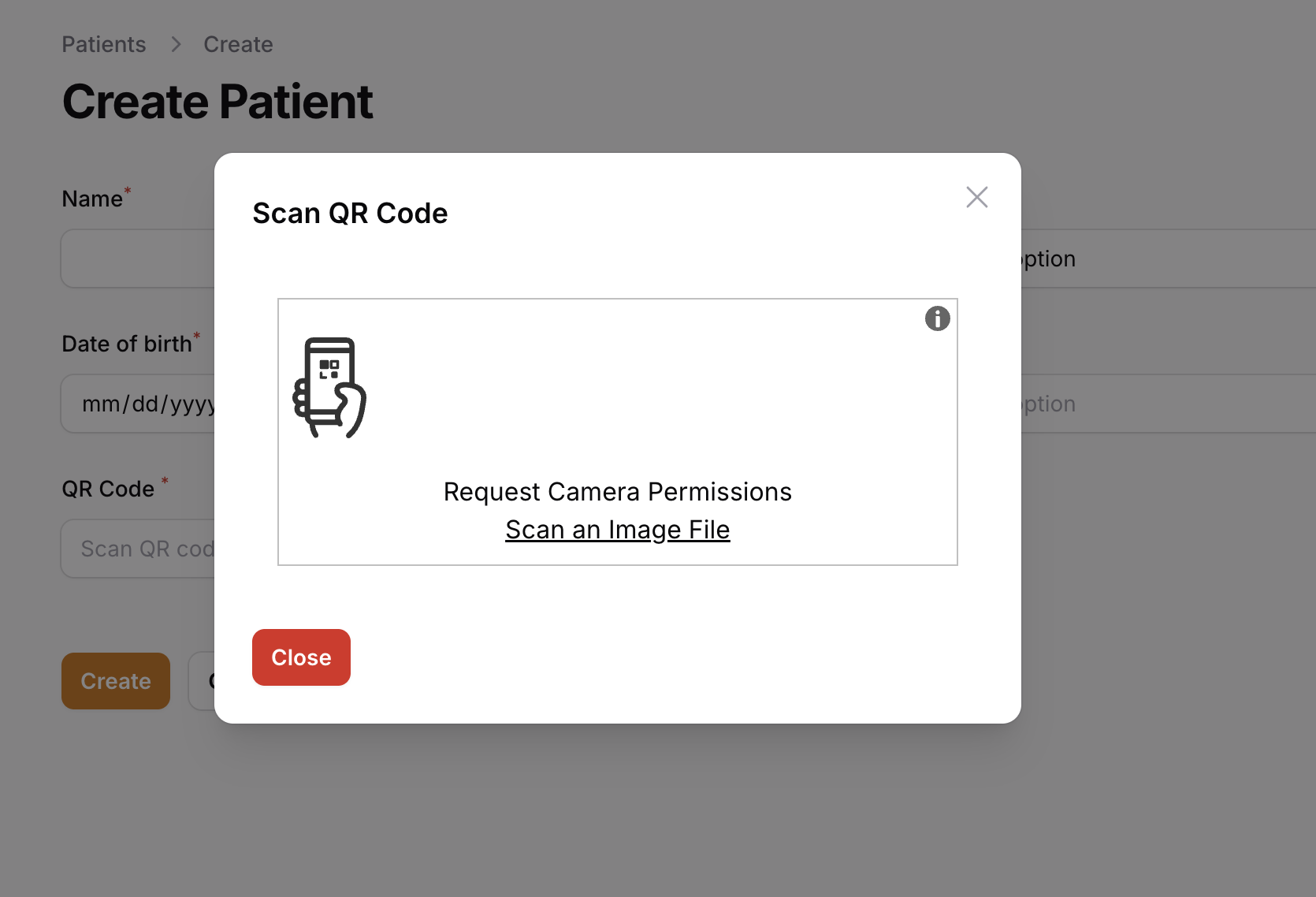
Note: When scanning a QR Code using your device's camera, the user must explicitly give their permission in their web browser.
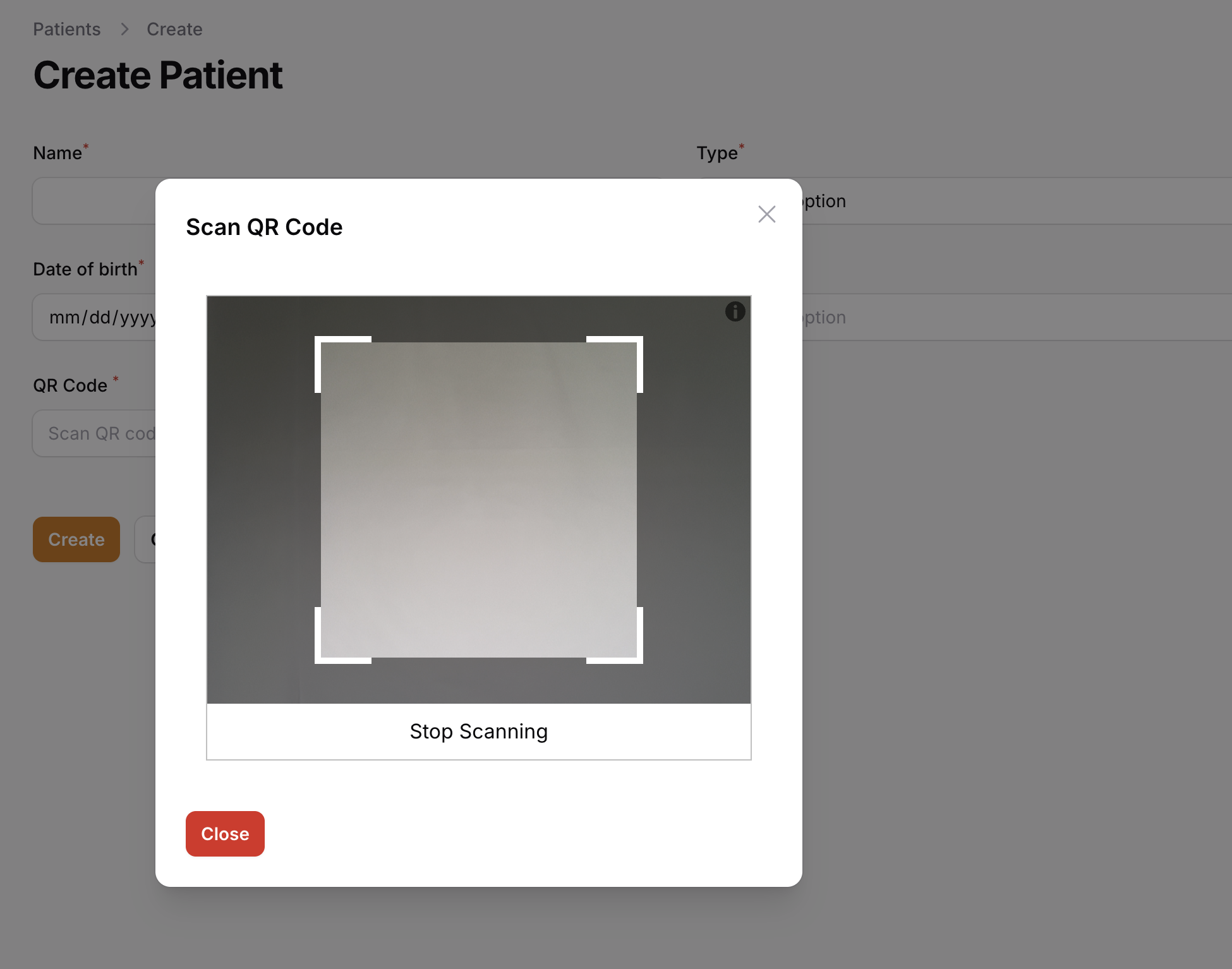
When you scan a QR Code successfully, the package will automatically insert the value into the field.
If you need the ability to scan QR codes in your applications and use Filament, give this package a try.
View the source code for this package on GitHub.