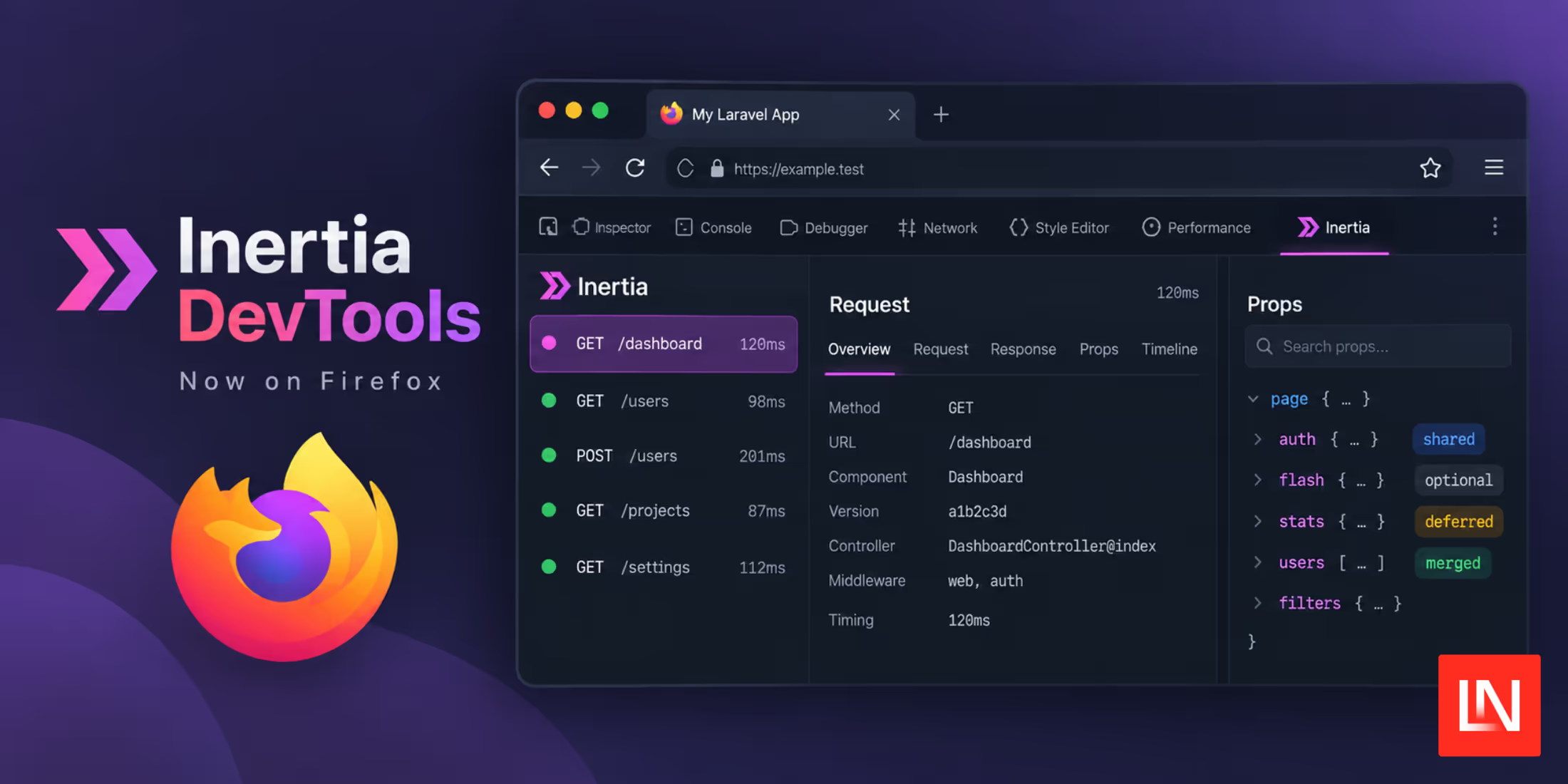
Inertia DevTools is now available for Firefox, and it brings full parity with the existing Chrome extension. Now Firefox users can install an official browser extension giving you a timeline of visits, props, and more:
Inertia DevTools is now on @firefox too! 🦊
Complete parity with Chrome: a timeline of every visit, prop trees with deferred/optional/merged badges and editor links, request + response headers and bodies, route and controller info, and the full page state after each response.
What It Does
The extension adds an Inertia panel to Firefox DevTools that records every visit your app makes, including initial loads, navigations, partial reloads, deferred props, polls, prefetches, and redirects. Follow-up requests are grouped under the visit that triggered them instead of scattering across the timeline.
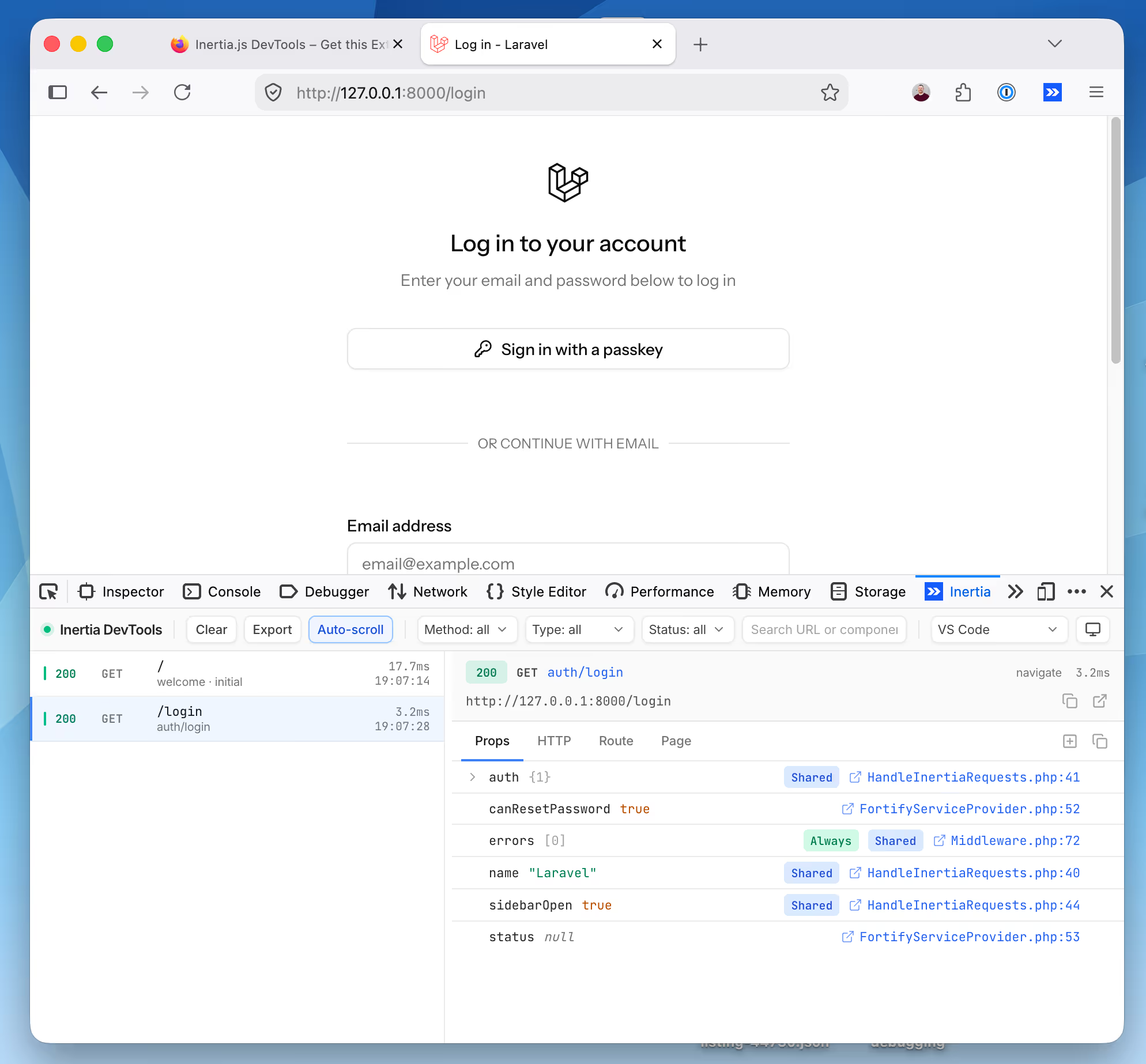
Selecting an entry shows its props as a tree with badges for deferred, optional, merged, and shared props, along with the request and response headers and bodies, the matched route and controller action, and the full page state after Inertia handled the response.
Render calls, shared props, and route actions link back to a file and line in your editor, with support for VS Code, PhpStorm, Cursor, Sublime Text, and Zed. Authorization and cookie headers, CSRF tokens, and other secret fields are redacted before anything shows up in the panel, and recorded data stays on your machine.
Getting Started
Install the extension from the Firefox Add-ons store, open Firefox DevTools, and select the Inertia panel. Recording is driven by the Inertia backend adapter, so it works the same way it does in Chrome once your app is running locally.
See the Inertia DevTools documentation for setup details, and the GitHub repository for the source.