Laravel WhatsApp is a package by Md Mostafijur Rahman for sending and receiving WhatsApp messages from a Laravel application. What sets it apart is that it speaks to WhatsApp two different ways: through Meta's official Cloud API for business messaging, and through an unofficial Node-based whatsapp-web.js sidecar that uses headless Chromium to speak to the same WebSocket protocol as the WhatsApp Web app for a personal account. Both sit behind the same WhatsApp:: facade, so application code does not need to know which one is handling a given message. It supports Laravel 11, 12, and 13 on PHP 8.2 or higher.
The two backends exist because they are good at different things, and the package is upfront about the trade-offs. The Cloud API is the supported path for templated business messages, but it restricts free-form replies to a 24-hour window and offers no group support. The web sidecar has no such limits and can create groups, post status updates, and pair through a QR code, but it runs against a personal account without official backing.
| Capability | Cloud API | Web Sidecar |
|---|---|---|
| QR pairing | No | Yes |
| Groups | No | Yes |
| Free-form messaging | 24h template window | Yes |
| Business templates | Yes | No |
| Official support | Yes | Unofficial |
Sending through either backend
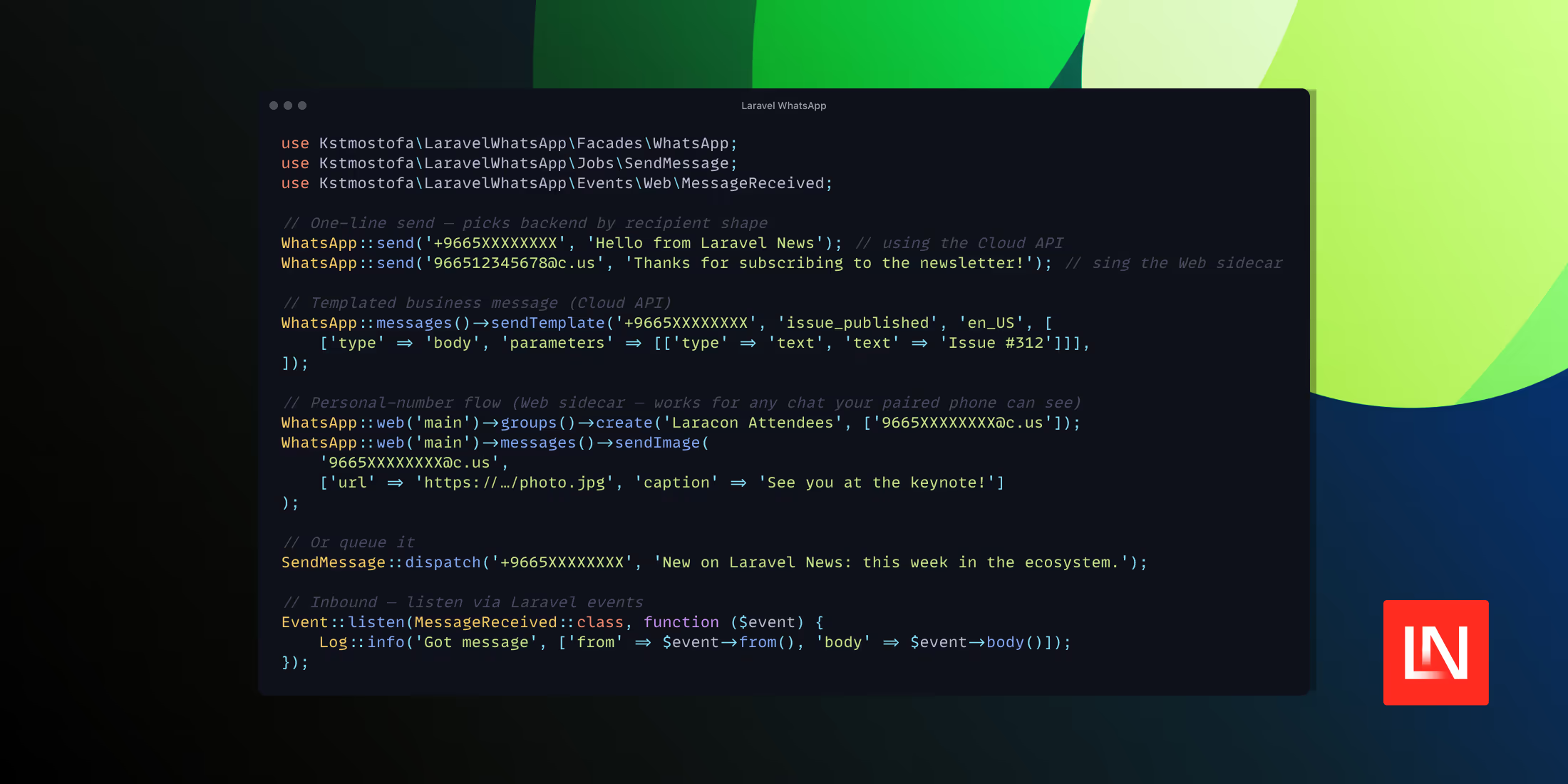
The simplest call routes a plain text message. The recipient format decides where it goes: an E.164 phone number runs through the Cloud API, while a @c.us identifier targets the web session.
WhatsApp::send('+14155550123', 'Your Laravel News digest is ready to read.');WhatsApp::send('14155550123@c.us', 'Thanks for subscribing to the newsletter!');For business messaging, you reach for the Cloud API's template support directly, passing the template name, locale, and parameter components:
WhatsApp::messages()->sendTemplate('+14155550123', 'issue_published', 'en_US', [ ['type' => 'body', 'parameters' => [['type' => 'text', 'text' => 'Issue #312']]],]);The web backend exposes operations that the Cloud API cannot perform. Sessions are named, so you can run more than one personal account and address each by name:
WhatsApp::web('main')->groups()->create('Laracon Attendees', ['14155550123@c.us']);WhatsApp::web('main')->messages()->sendImage('14155550123@c.us', ['url' => 'https://example.com/laracon-schedule.png', 'caption' => 'See you at the keynote!']);Queued sends and inbound events
Outbound messages can be dispatched as jobs through the package's SendMessage job, which keeps message sending off the request cycle and onto your queue workers:
SendMessage::dispatch('+14155550123', 'New on Laravel News: this week in the ecosystem.');Inbound messages from the sidecar are bridged into Laravel's event system. A long-running whatsapp:web:listen process watches the Node sidecar and fires typed events such as MessageReceived, which you can subscribe to like any other event:
use \Kstmostofa\LaravelWhatsApp\Events\Web\MessageReceived; Event::listen(MessageReceived::class, function ($event) { Log::info('Reader replied', ['from' => $event->from(), 'body' => $event->body()]); });The Cloud API side handles inbound traffic via webhooks, with HMAC signature verification using your Meta app secret.
The admin UI and persistence layer
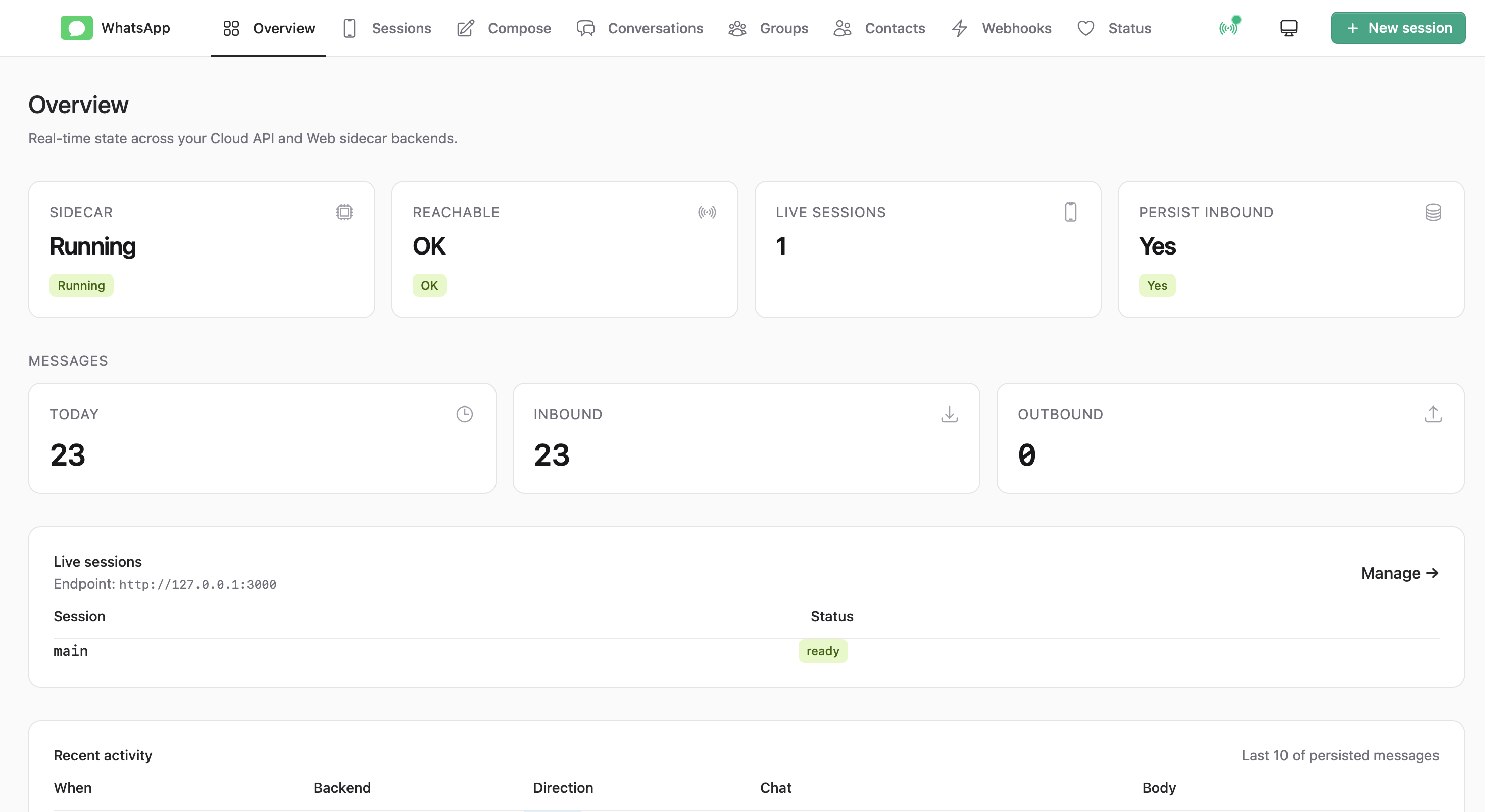
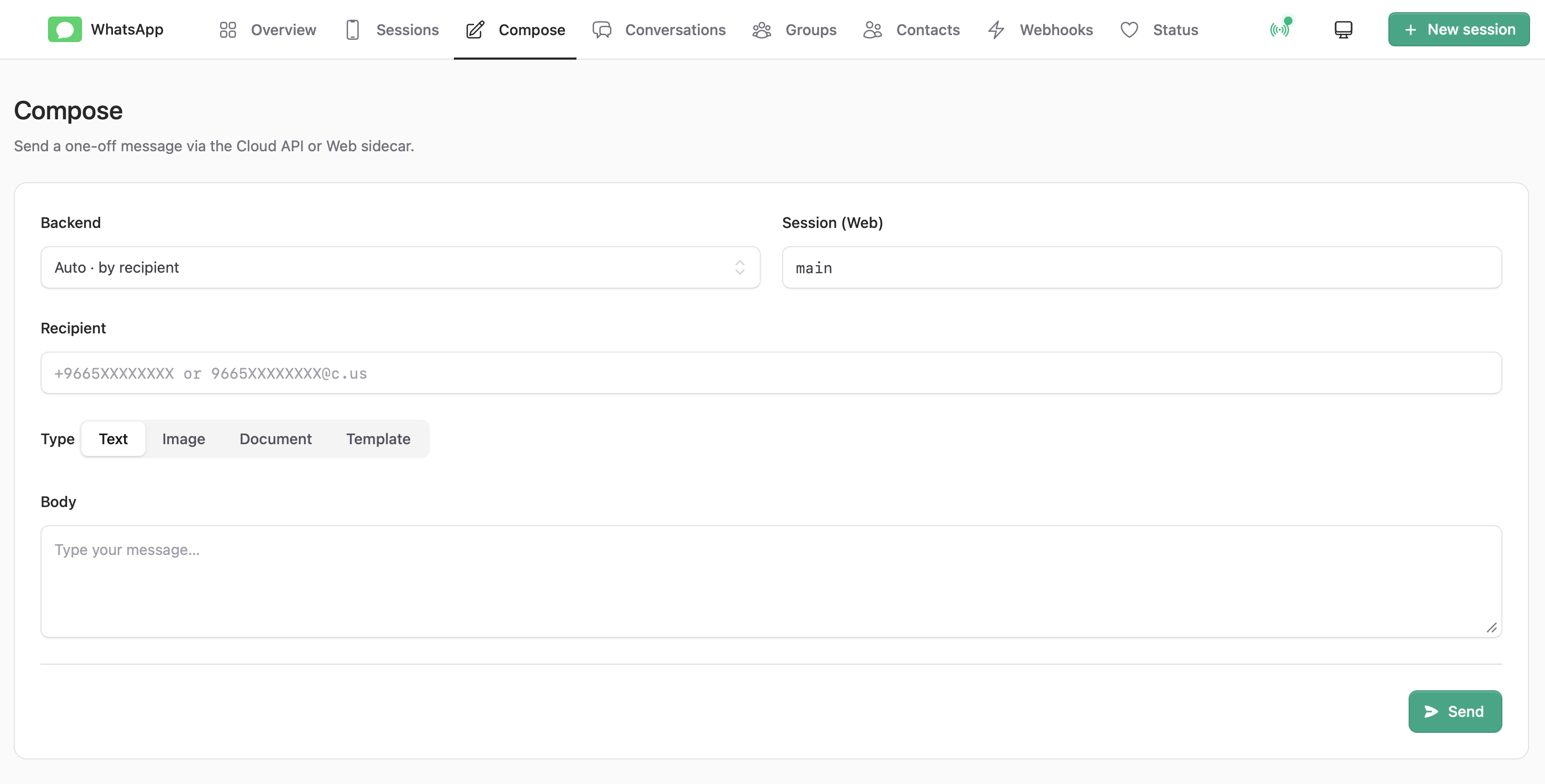
If you install the optional Livewire and Flux dependencies, the package mounts an admin interface at /whatsapp. It includes a dashboard, a messaging screen, conversation views rendered as chat bubbles, and pages for groups, contacts, and webhook logs. With Laravel Reverb added, the conversation views update in real time.
Persistence is opt-in through three Eloquent models: WaSession, WaMessage, and WaContact. These can live on a separate database connection if you would rather keep WhatsApp data out of your primary schema. The package also handles background event bridging, session health monitoring, and avatar and media caching.
Getting started
Install the package and publish its config and migrations:
composer require kstmostofa/laravel-whatsappphp artisan vendor:publish --tag=laravel-whatsapp-configphp artisan vendor:publish --tag=laravel-whatsapp-migrationsphp artisan migrateThe Cloud API path needs your Meta credentials in the environment:
WHATSAPP_ACCESS_TOKEN=EAAG...WHATSAPP_PHONE_NUMBER_ID=123456789012345WHATSAPP_BUSINESS_ACCOUNT_ID=987654321098765WHATSAPP_APP_SECRET=your-meta-app-secretWHATSAPP_VERIFY_TOKEN=any-string-you-make-upThe web sidecar is installed and started through artisan commands, after which a listener process bridges its events back into Laravel:
php artisan whatsapp:sidecar:installphp artisan whatsapp:sidecar:startphp artisan whatsapp:web:listen main &You can read the source, the full configuration reference, and the list of available commands on GitHub.