Package
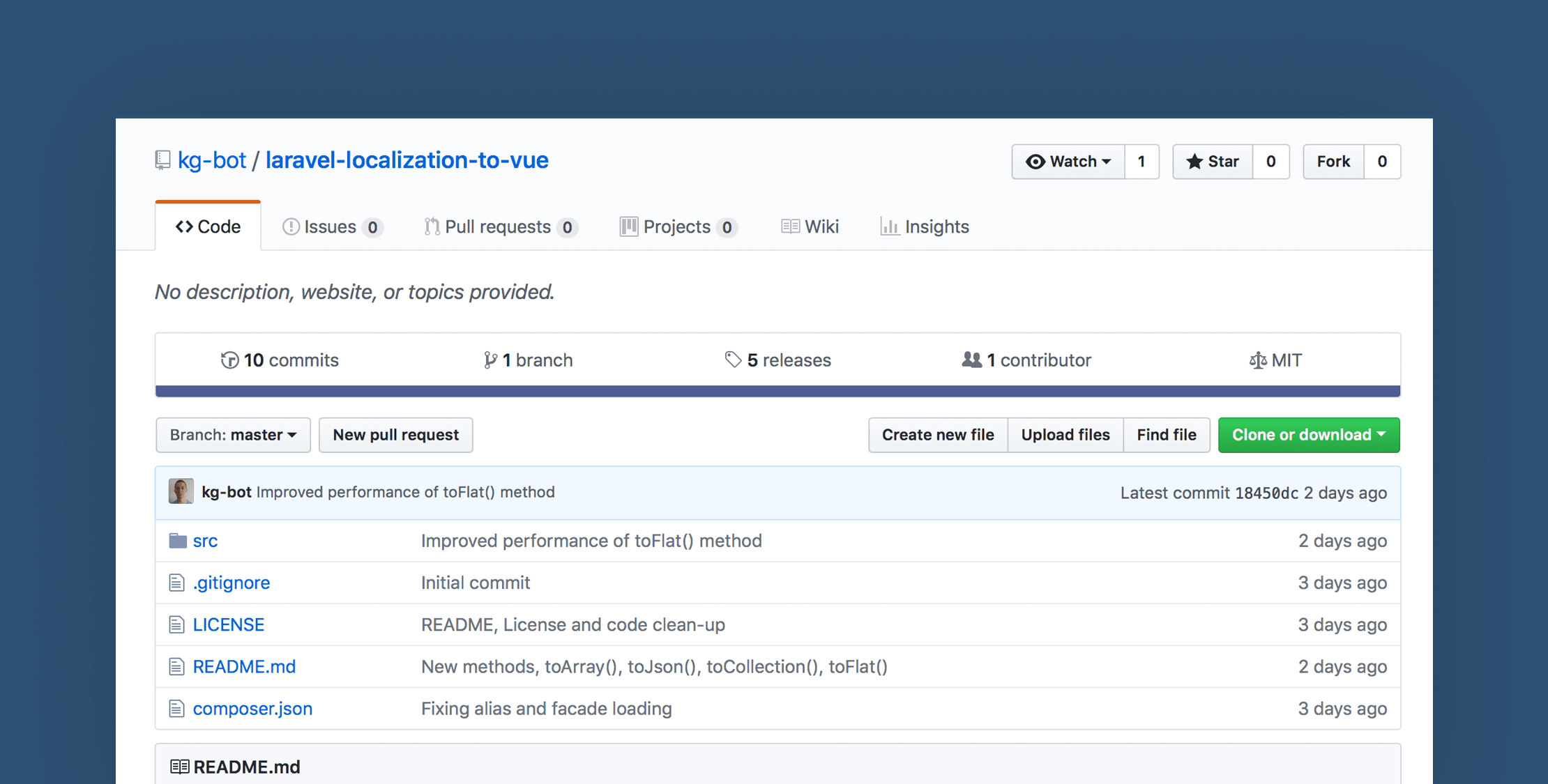
Kg Bot Laravel Localization To Vue
Laravel package used to collect all localization files from resources/lang (and custom) directories and sub-directories and make them available as JSON file

Laravel Localization To Vue/JSON
This package collects all localizations from resources/lang directory and it's sub-directories and converts them to plain array
which can later be converted to JSON object and used with libraries like Vue, Angular, etc.
Installing
Laravel before version 9
composer require kg-bot/laravel-localization-to-vue:^1
Laravel 9
composer require kg-bot/laravel-localization-to-vue:^2
Laravel 8+
Laravel 8 requires minimum of PHP 7.3. make sure you have at least PHP 7.3 before running composer.
Laravel 9+
Laravel 9 requires minimum of PHP 8.0.2 make sure you have at least PHP 8.0.2 before running composer.
Laravel 5.5+
Laravel 5.5 uses Package Auto-Discovery, so doesn't require you to manually add the ServiceProvider.
If you don't use auto-discovery, add the ServiceProvider to the providers array in config/app.php
KgBot\LaravelLocalization\LaravelLocalizationServiceProvider::class
and if you want alias add this inside aliases array in config/app.php
"ExportLocalization" => "KgBot\\LaravelLocalization\\Facades\\ExportLocalizations"
Settings and configuration
You can export config by running
php artisan vendor:publish --provider="KgBot\LaravelLocalization\LaravelLocalizationServiceProvider" --tag=config
if you want to parse multiple language directories or some other directory except lang_path() you can add multiple
paths in config paths.lang_dirs inside array.
It can be just one path or multiple paths, for example
paths => [lang_path(), app_path('lang'), app_path('Modules/Blog/lang')]
You can run your own callback function after export, to do that you must register globally accessible function, for example
register function.php inside composer files autoload, and add your function inside config/laravel-localization.php,
key export_callback. Example:
// helpers/functions.php

if (! function_exists('testExport')) {
    /**
     * Change all instances of :argument to {argument}
     *
     * @param $string
     * @return void
     *
     */
    function testExport($string) {
        array_walk_recursive($string, function (&$v, $k) { $v = preg_replace('/:(\w+)/', '{$1}', $v); });

        return $string;
    }
}


// composer.json
....
"autoload": {
        "files": [
            "helpers/functions.php"
        ],
        "psr-4": {
            "App\\": "app/"
        },
        "classmap": [
            "database/seeds",
            "database/factories"
        ]
    },
....

// config/laravel-localization.php
...
'export_callback' => 'testExport',
...
Usage
This package can be used in multiple ways, I'll give examples for some of them, but there's really no limitation.
First example would be to add view composed variable and use it in blade views.
// inside ServiceProvider

// With alias
use ExportLocalization;

// Without alias
use KgBot\LaravelLocalization\Facades\ExportLocalizations as ExportLocalization;


View::composer( 'view.file', function ( $view ) {

    return $view->with( [
        'messages' => ExportLocalization::export()->toArray(),
    ] );
} );
Second way would be to request it over HTTP just like any other file
<script>
let messages = axios.get('http://localhost/js/localization.js') // This is default route which can be changed in config
</script>
For this to work, you need to enable the route via LARAVEL_LOCALIZATION_ROUTE_ENABLE in your .env file or in config/laravel-localization.php
You can also export messages to ECMAScript 6 standard JavaScript module with artisan command
php artisan export:messages
Export for npm localization packages like Lang.js
If you need special format of array that's recognised by some npm localization packages as Lang.js.
// Call toFlat() instead of toArray()
ExportLocalization::export()->toFlat()

or

// For CLI usage
php artisan export:messages-flat
Some examples why would you use this package and messages over Laravel standard localization
// Inside blade view
<script>
    window.default_locale = "{{ config('app.locale') }}";
    window.fallback_locale = "{{ config('app.fallback_locale') }}";
    window.messages = @json($messages);
</script>
// And optionaly you can then use it in any JavaScript file or Vue.js component

// app.js
import Vue from 'vue';
import Lang from 'lang.js';

const default_locale = window.default_language;
const fallback_locale = window.fallback_locale;
const messages = window.messages;

Vue.prototype.trans = new Lang( { messages, locale: default_locale, fallback: fallback_locale } );
// Example.vue
<b-input v-model="query"
    type="text"
    :placeholder="trans.get('search.placeholder')"
></b-input>
A note about json files
Laravel 5.4+ allows localization to be strutured using a single .json file for each language, in order to use the strings inside the provided json file you must prepend the __JSON__ key
// Assuming that es.json exists and it is the default locale in your app
{
   "I love programming": "Me encanta programar"
}
// Example.vue
<b-input v-model="query" type="text" :placeholder="trans.get('__JSON__.I love programming')"></b-input>
Routing
This package exposes one route http://localhost/js/localization.js by default but you can change the prefix to anything you whish in config file.
You can also have a nice route name for blade templates or any other route calls, it's route('assets.lang') by default but it's customizable by config/environment file.
Proposals, comments, feedback
Everything of this is highly welcome and appreciated
To-Do
- Create exclude configuration so not files/directories are collected
Anything else you can think of please leave me comments, mail me, create issue, whatever you prefer.
License
This project is licensed under the MIT License - see the LICENSE.md file for details