Laravel Tutorials

Setting up Xdebug on Homestead for PhpStorm

Published

I have always found setting up Xdebug with PhpStom a pain. Last night I was fumbling through trying to get it setup and found this tutorial:

I recently installed Homestead for my development environment and discovered Xdebug needed some additional settings before it would work. Here’s a step-by-step process that I used to get PHPStorm + Homestead + Xdebug working in harmony.

This worked great for me and saved me tons of time. One difference I did was in PhpStorm Run/Debug configuration I checked “single instance only”.

Eric L. Barnes photo

Eric is the creator of Laravel News and has been covering Laravel since 2012.

Sponsored

laravelcloud logo
Laravel Cloud

Easily create and manage your servers and deploy your Laravel applications in seconds.

Visit Laravel Cloud

The latest

View all →
Slow Job Alerts and Replica Commit IDs in Laravel 13.40 image

Slow Job Alerts and Replica Commit IDs in Laravel 13.40

Read article
Flock: A Free, Native Herd Alternative for Laravel image

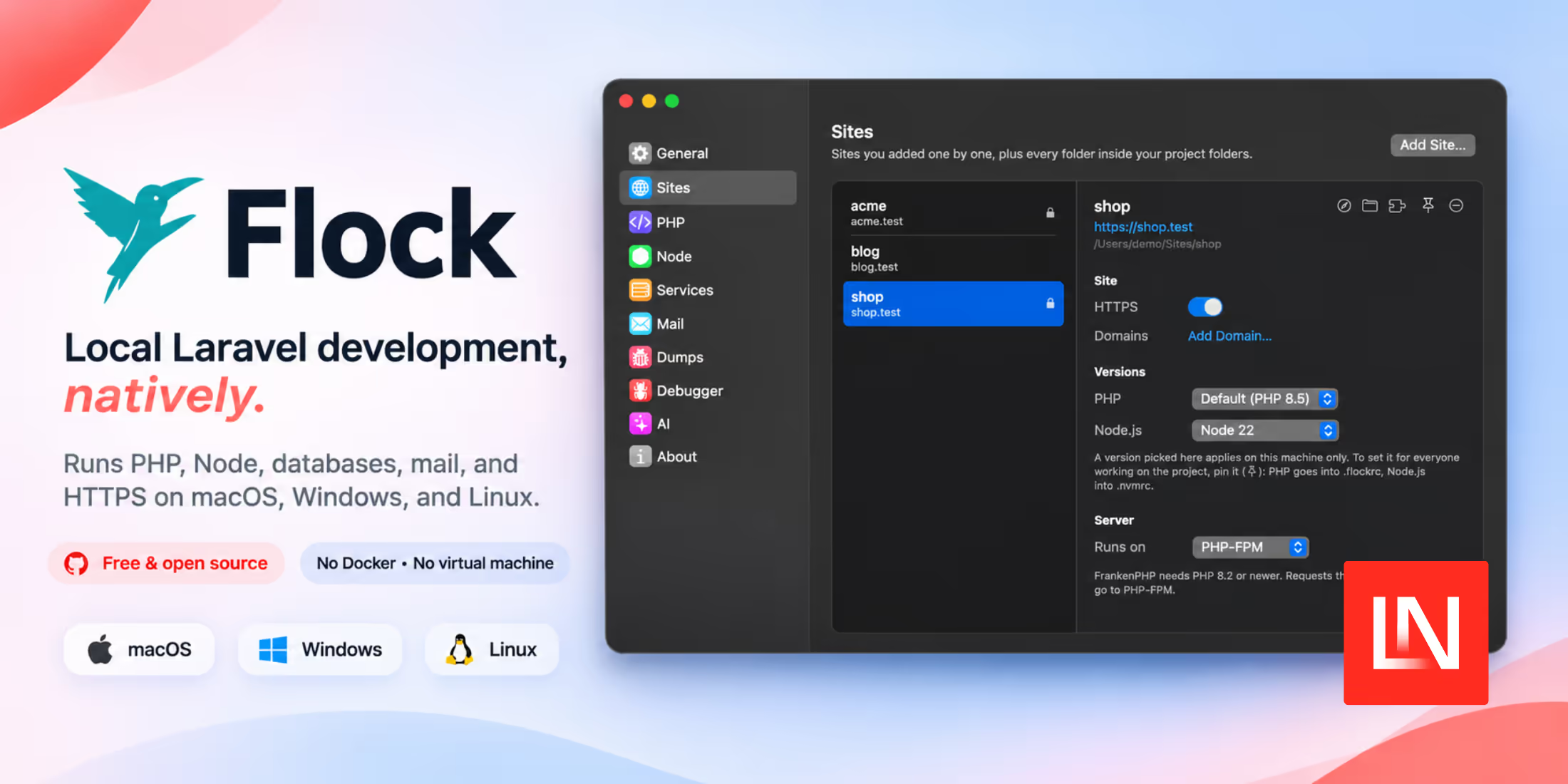
Flock: A Free, Native Herd Alternative for Laravel

Read article
Live Props for Real-Time Updates in Inertia.js v3.11 image

Live Props for Real-Time Updates in Inertia.js v3.11

Read article
Cooldown Dependency Policy now in Composer 2.11 image

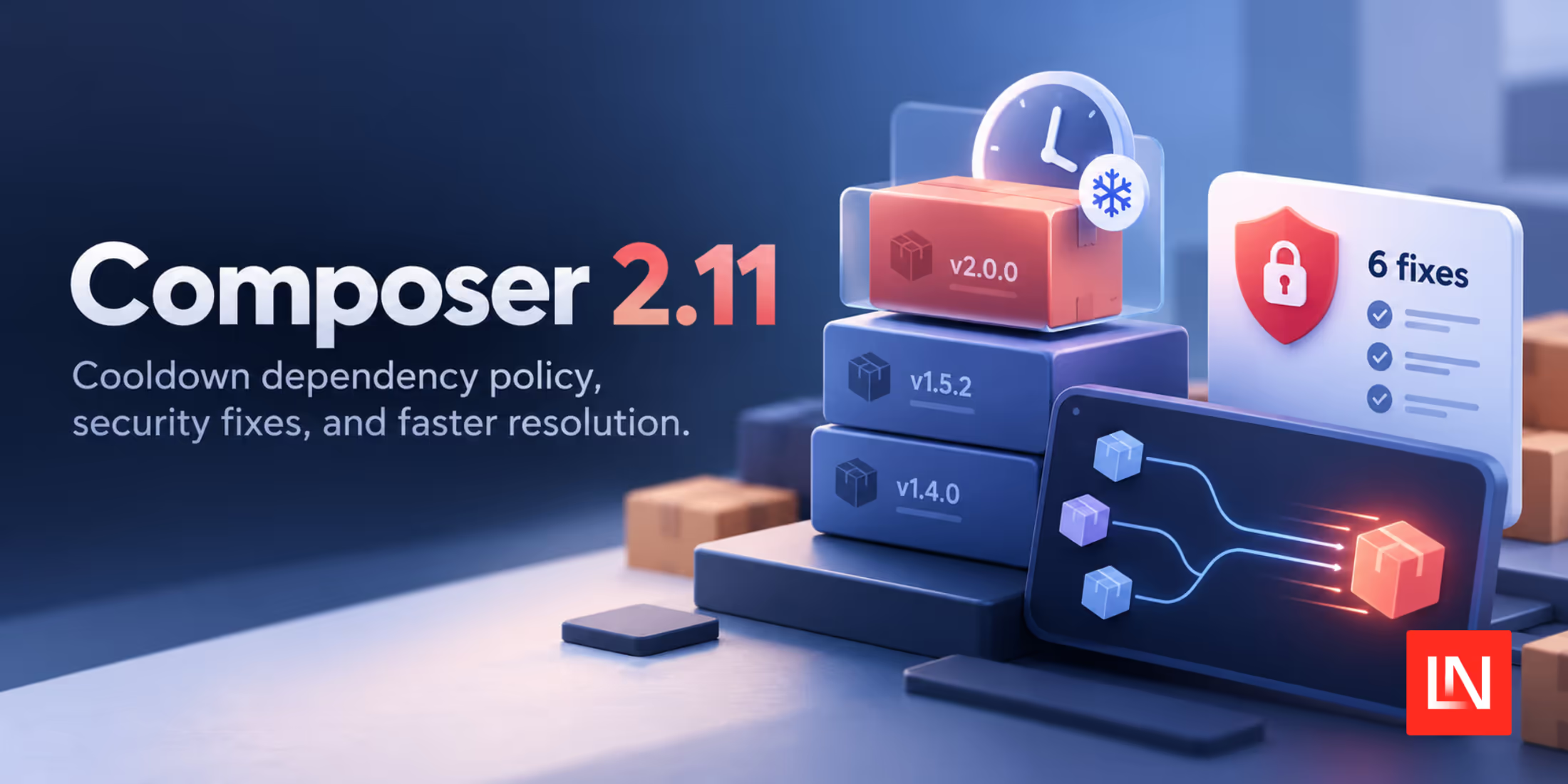
Cooldown Dependency Policy now in Composer 2.11

Read article
Email Sending and Testing for Laravel in One Account image

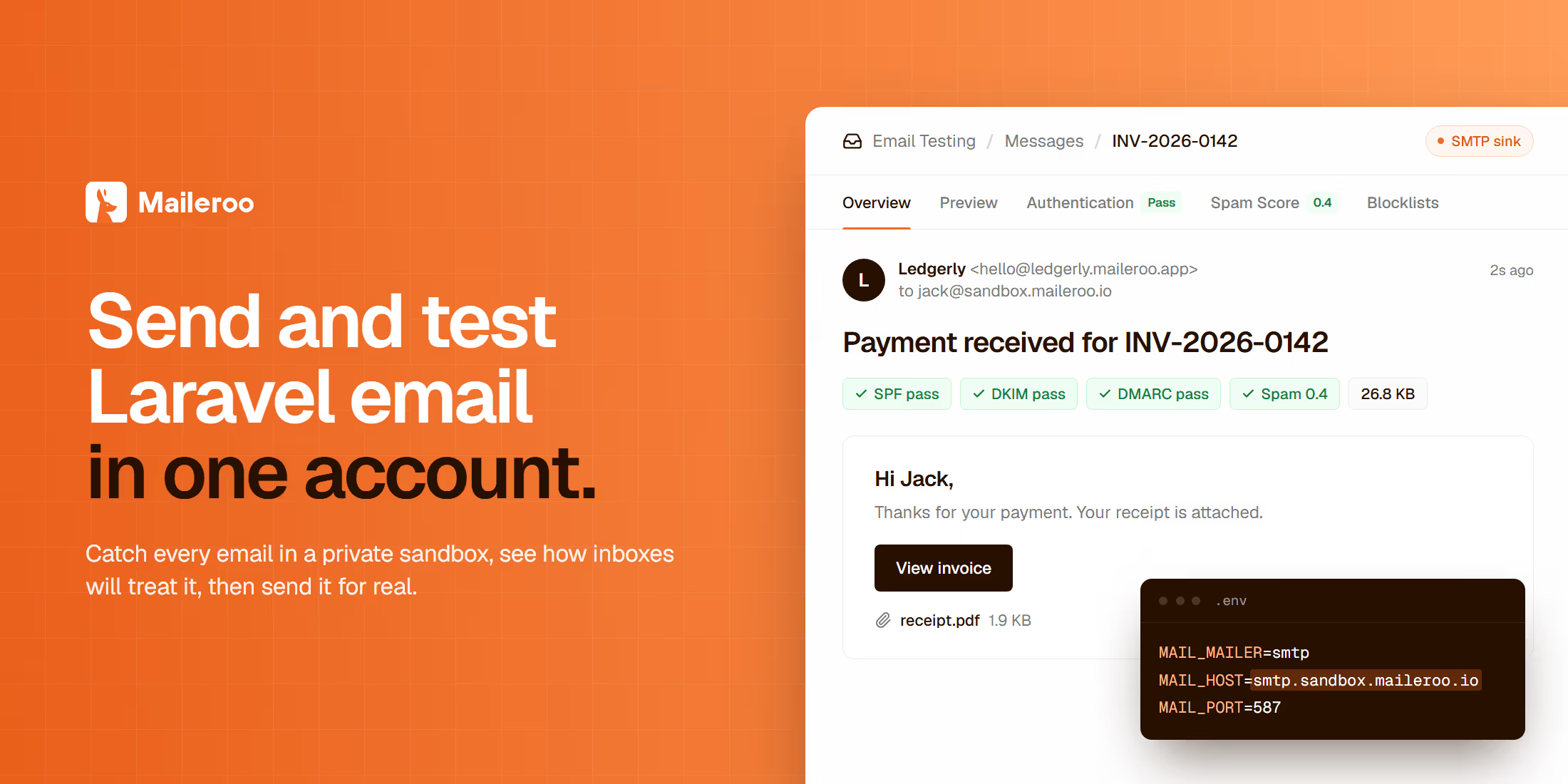
Email Sending and Testing for Laravel in One Account

Read article
Decide with Jev: Tie Every AI Check to the Exact Draft image

Decide with Jev: Tie Every AI Check to the Exact Draft

Read article