Signal is a PHP library from Steve McDougall that reads attributes you place on your classes and methods and generates documentation from them. The idea is to keep API references in the same place as the code they describe, so the docs change when the code changes instead of going stale in a separate file. It requires PHP 8.5 and Symfony Console, and it is distributed under the MIT license.
The library ships 24 attributes split across three groups: attributes that label what a class is, attributes that record a class's relationships and status, and attributes that document individual methods. You annotate your code, run one command, and get back Markdown for humans and JSON for tooling.
Labelling what a class is
The first group of attributes describes the role a class plays in your application. There are 13 of them, covering common building blocks such as #[Module], #[Service], #[Repository], #[Action], #[Controller], #[Event], #[Listener], #[Middleware], #[Job], #[Command], #[Query], #[Aggregate], and #[ValueObject]. Each one takes an optional description and a list of tags:
use JustSteveKing\Signal\Attributes\Service; #[Service( description: 'Issues and revokes API tokens for authenticated users', tags: ['auth', 'tokens'],)]final class TokenService{ // ...}When Signal generates output, it groups classes by these types, so every controller lands in one section and every service in another.
Recording relationships and status
A second group documents how a class connects to the rest of the system and where it sits in its lifecycle. #[DependsOn] records a collaborator, #[ListensTo] ties a listener to an event, and #[Deprecated] and #[Internal] flag classes that callers should treat with care:
use JustSteveKing\Signal\Attributes\Listener;use JustSteveKing\Signal\Attributes\ListensTo;use JustSteveKing\Signal\Attributes\DependsOn; #[Listener(description: 'Sends a welcome email after registration')]#[ListensTo(event: UserRegistered::class)]#[DependsOn(class: MailService::class)]final class SendWelcomeEmail{ // ...}These relationships are the kind of detail that usually lives in someone's head or in a diagram that no one updates. Putting them next to the class keeps them honest.
Documenting methods
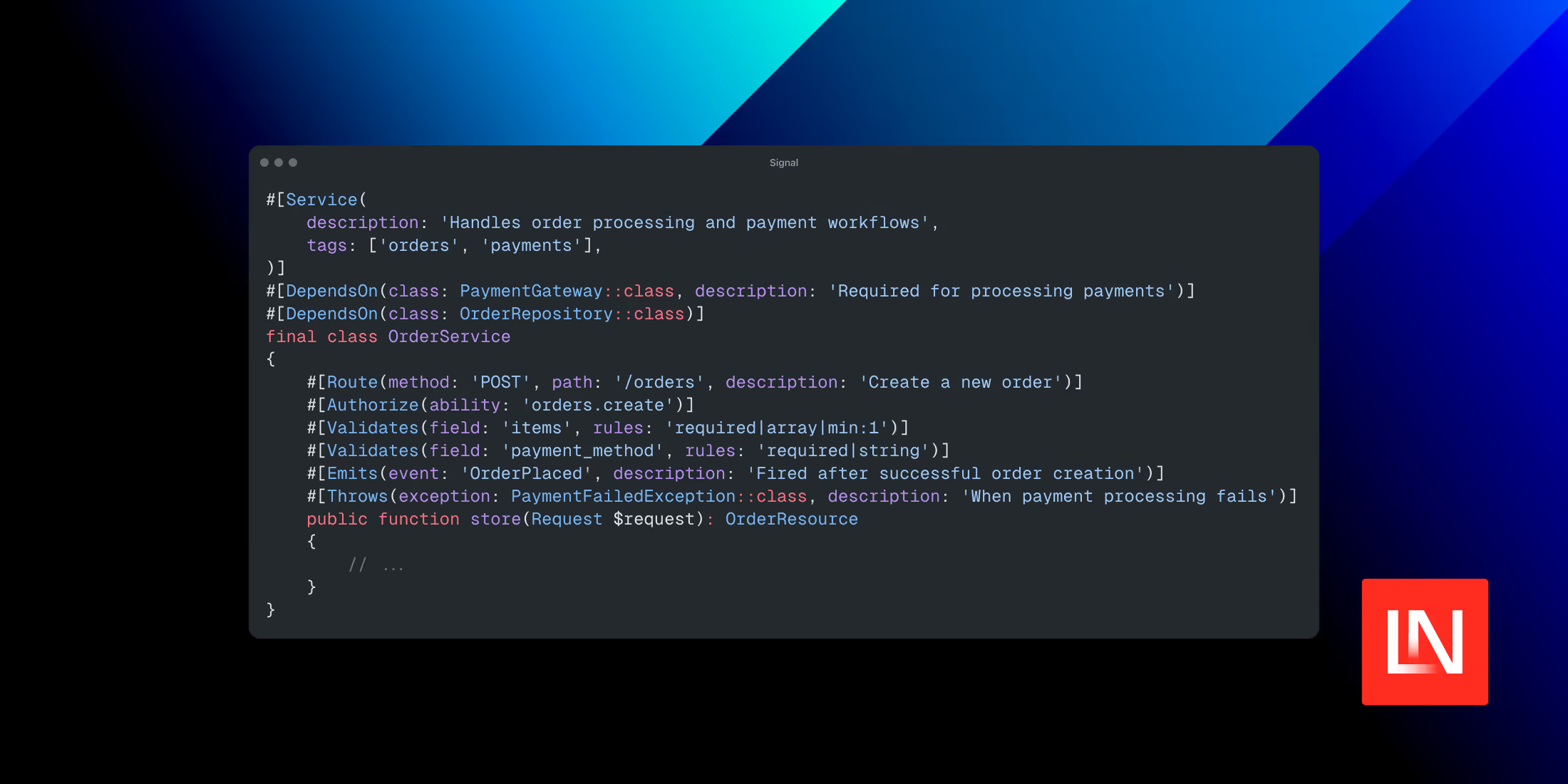
The third group describes what individual methods do. #[Route] records an HTTP method and path, #[Authorize] notes the ability a caller needs, #[Validates] captures validation rules field by field, and #[Cached] records a TTL. Three more attributes document behaviour that a method signature alone does not reveal: #[Emits] for events a method dispatches, #[Throws] for the exceptions it can raise, and #[SideEffect] for observable work such as sending mail or writing to a queue.
use JustSteveKing\Signal\Attributes\Route;use JustSteveKing\Signal\Attributes\Authorize;use JustSteveKing\Signal\Attributes\Validates;use JustSteveKing\Signal\Attributes\Emits;use JustSteveKing\Signal\Attributes\Throws;use JustSteveKing\Signal\Attributes\SideEffect; #[Route(method: 'POST', path: '/api/subscriptions', description: 'Start a subscription')]#[Authorize(ability: 'subscriptions.create')]#[Validates(field: 'plan', rules: 'required|in:monthly,yearly')]#[Emits(event: 'SubscriptionStarted')]#[SideEffect(description: 'Charges the customer through the payment gateway', tags: ['billing'])]#[Throws(exception: PaymentFailedException::class, description: 'If the gateway rejects the charge')]public function store(Request $request): JsonResponse{ // ...}The #[SideEffect] and #[Throws] attributes are worth calling out, because they document the things a reader cannot infer from a return type. Knowing a method charges a card or can throw PaymentFailedException is the sort of fact that otherwise only surfaces when something breaks.
Configuration and output
Signal reads a signal.json file at the root of your project. It tells the generator which directory to scan, which formats to write, where to put them, and which paths to skip:
{ "input": "src/", "output": { "format": ["markdown", "json"], "path": "docs/" }, "exclude": [ "src/Attributes/" ]}With that in place, one command produces the documentation:
php vendor/bin/signal generateThe Markdown output is organised by class type with a table of contents, and the JSON output carries the same metadata in a form other tools can read, which makes it a starting point for things like generating an OpenAPI description or feeding an internal service catalogue.
Install it with Composer:
composer require juststeveking/signalYou can read the source and the full list of attributes on GitHub.