Laravel Artisan commands support array-based parameters, enabling you to process multiple values efficiently. This functionality streamlines batch operations and complex command workflows.
Use the asterisk notation to accept multiple argument values:
protected $signature = 'process:files {filename*}';
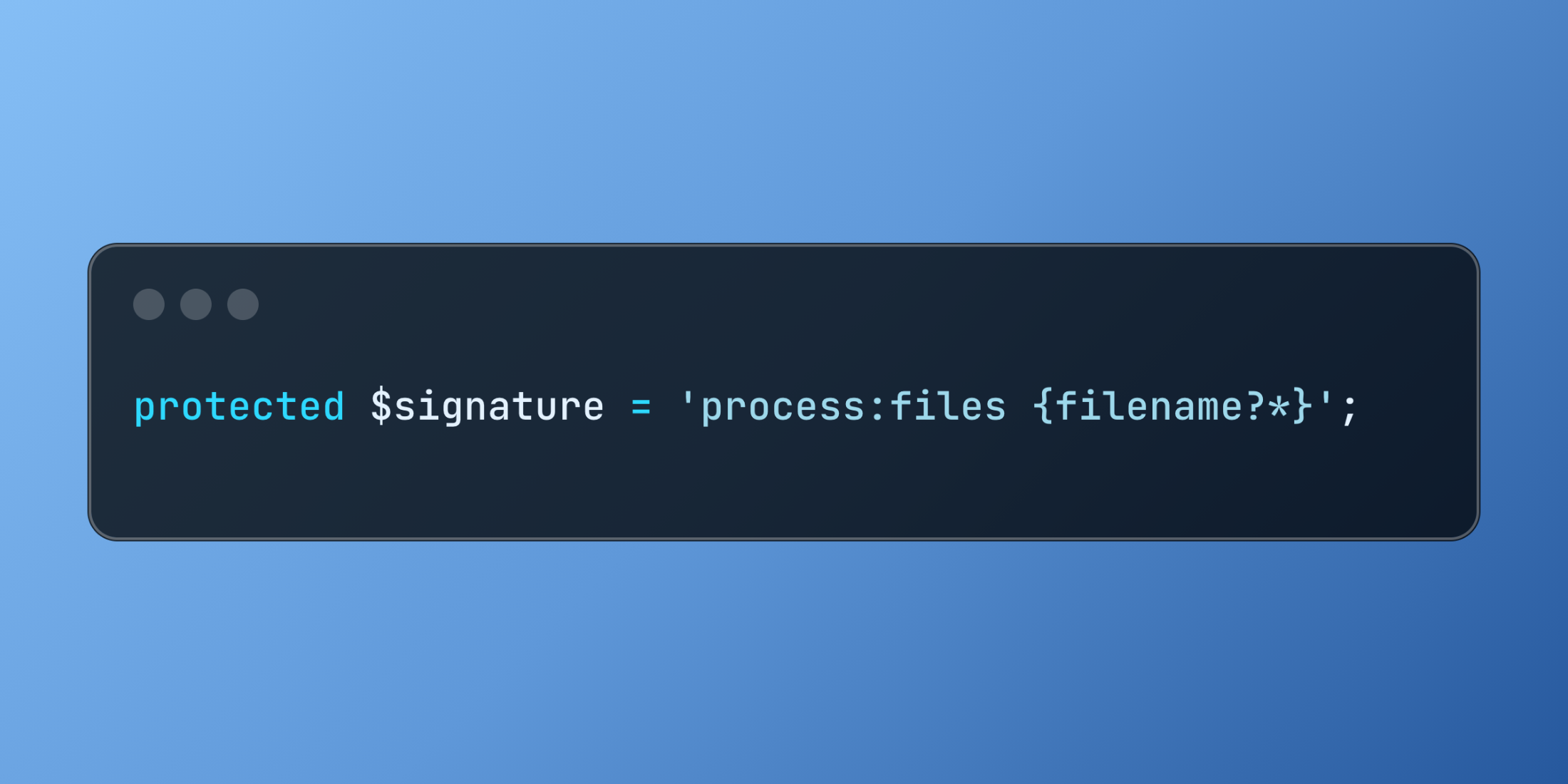
For optional multiple arguments, combine the question mark with asterisk:
protected $signature = 'process:files {filename?*}';
Multiple option values follow a similar pattern, allowing repeated flag usage in command execution.
protected $signature = 'process:files {--format=*}';
Here's a content publishing system that demonstrates comprehensive multi-value parameter handling:
class PublishContent extends Command
{
    protected $signature = 'content:publish
        {articles*: Article IDs to publish}
        {--C|category=*: Categories to include}
        {--platform=*: Publishing platforms}
        {--schedule=?: Publication schedule}';

    public function handle()
    {
        $articleIds = $this->argument('articles');
        $categories = $this->option('category');
        $platforms = $this->option('platform');
        $schedule = $this->option('schedule');

        $this->line("Processing " . count($articleIds) . " articles for publication");

        foreach ($articleIds as $articleId) {
            $article = Article::findOrFail($articleId);

            if ($categories && !in_array($article->category_id, $categories)) {
                $this->warn("Skipping Article {$articleId} - category mismatch");
                continue;
            }

            foreach ($platforms as $platform) {
                $this->publishToplatform($article, $platform, $schedule);
                $this->info("Published Article {$articleId} to {$platform}");
            }
        }

        $this->info("Publication process completed successfully");
    }

    private function publishToPlatform($article, $platform, $schedule = null)
    {
        $publishedAt = $schedule ? Carbon::parse($schedule) : now();

        Publication::create([
            'article_id' => $article->id,
            'platform' => $platform,
            'published_at' => $publishedAt,
            'status' => 'published'
        ]);
    }
}
Array parameter support transforms simple commands into powerful batch processing tools, ideal for administrative tasks and data management operations.